Workspace Feature
Desktop Agent Pet
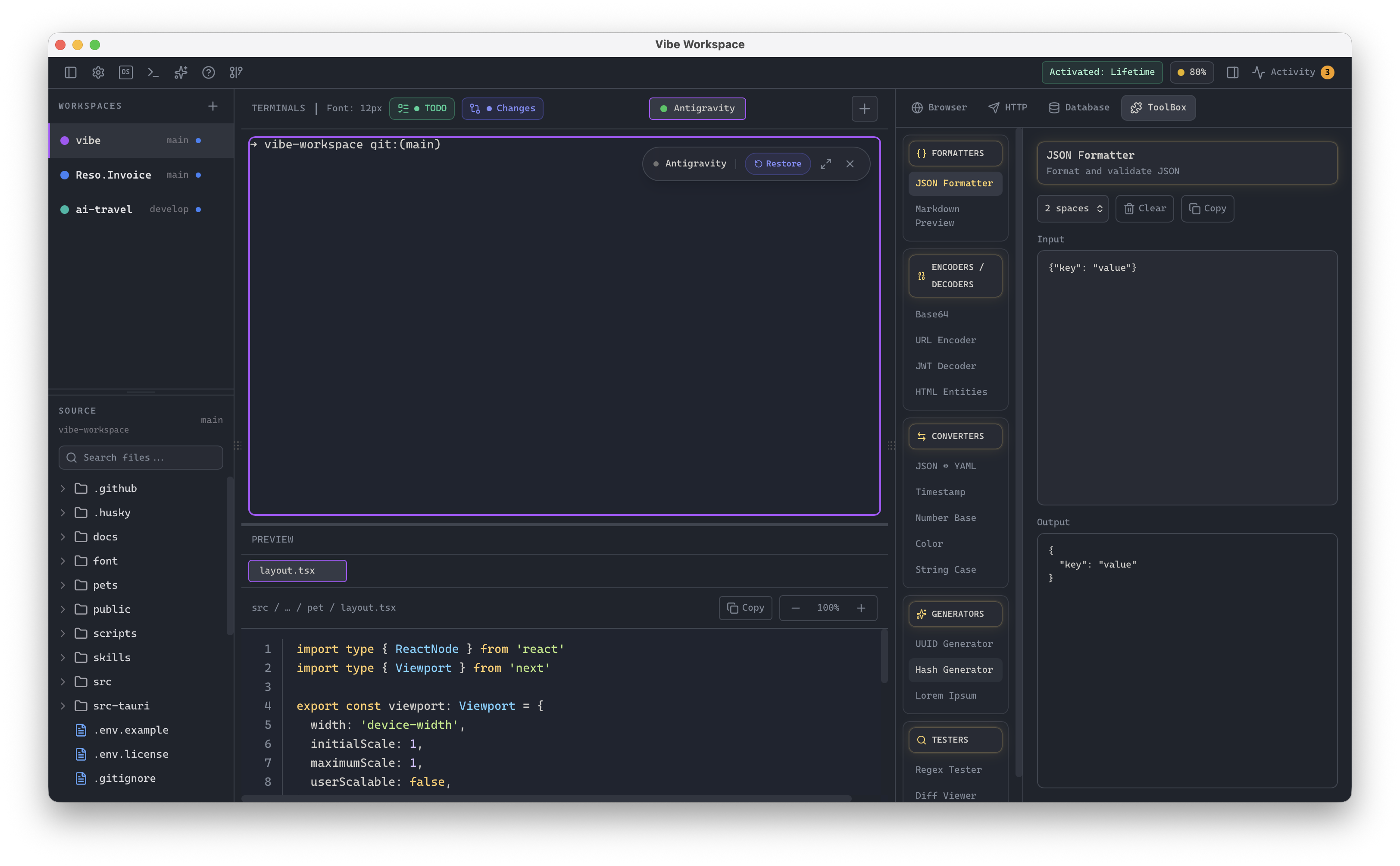
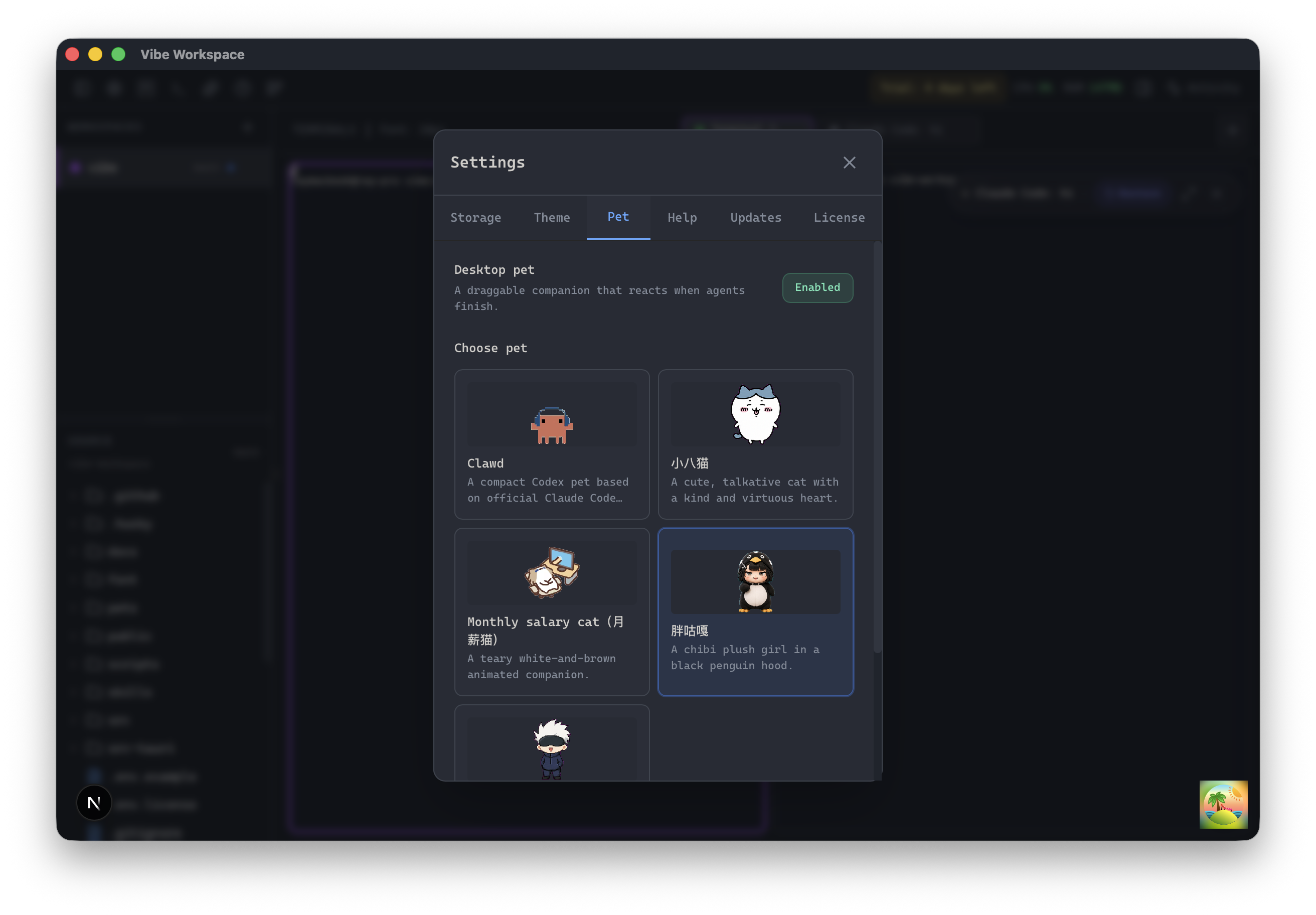
An ambient companion sitting on your screen that reacts to prompts, displays processing animations, and jumps directly back to the workspace app when a task finishes.
Every feature is built to eliminate context switching and keep you in flow. Explore what makes VibeWorkspace the fastest way to build software with AI.
Browse every VibeWorkspace feature for multi-agent terminals, orchestration, database tools, API request building, persistent sessions, and custom templates.
An ambient companion sitting on your screen that reacts to prompts, displays processing animations, and jumps directly back to the workspace app when a task finishes.
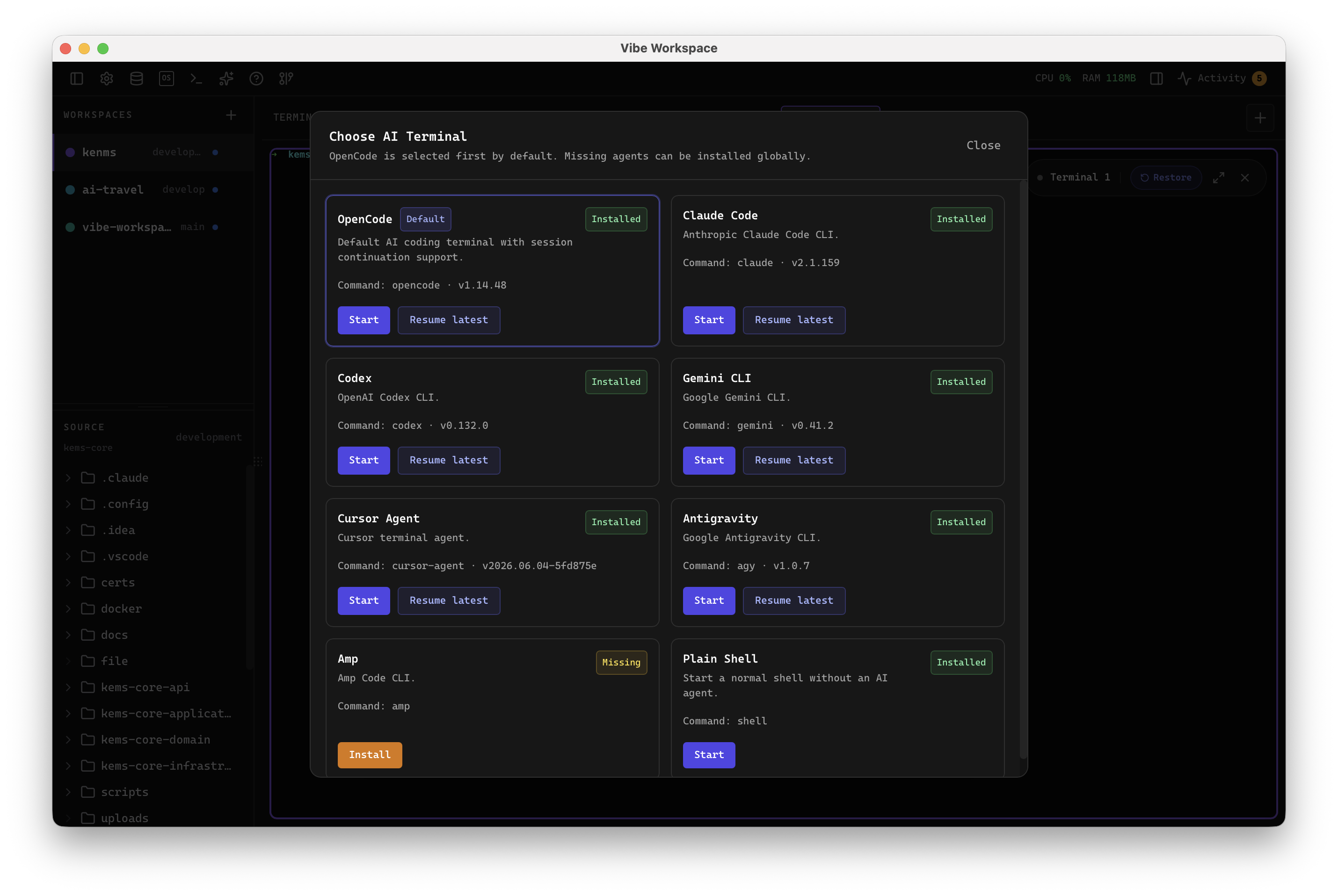
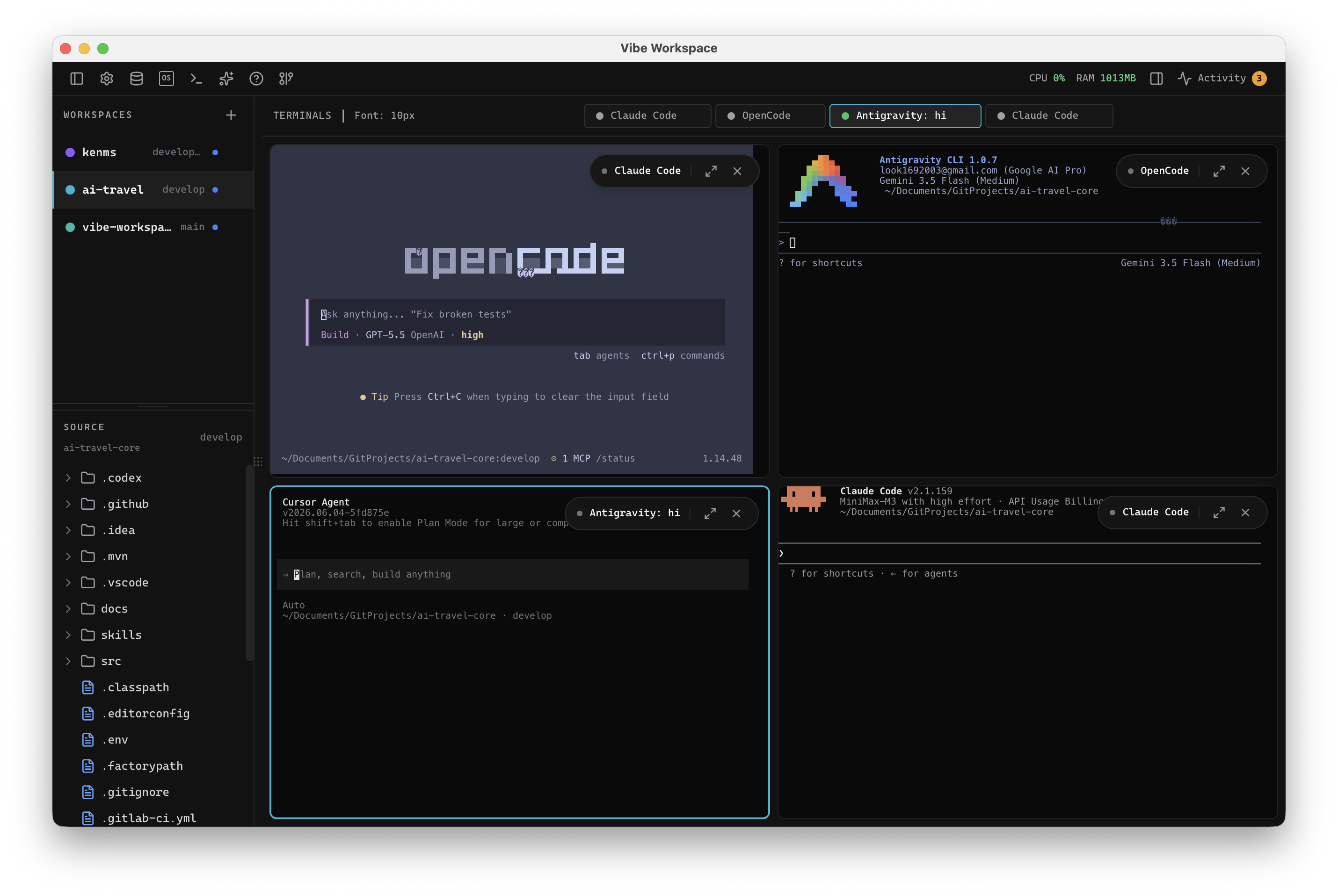
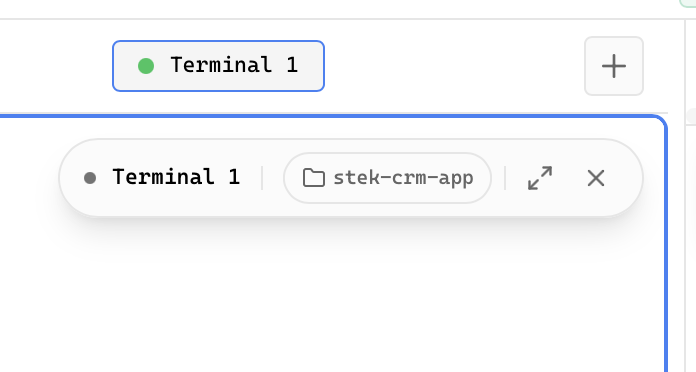
Run Claude Code, Codex, Gemini CLI, and Amp in dedicated terminal tabs with custom colors and status indicators.
View terminals in 2x2 grid, side-by-side columns, rows, or single fullscreen mode.
Terminal sessions persist across app restarts with full scrollback history through tmux integration.
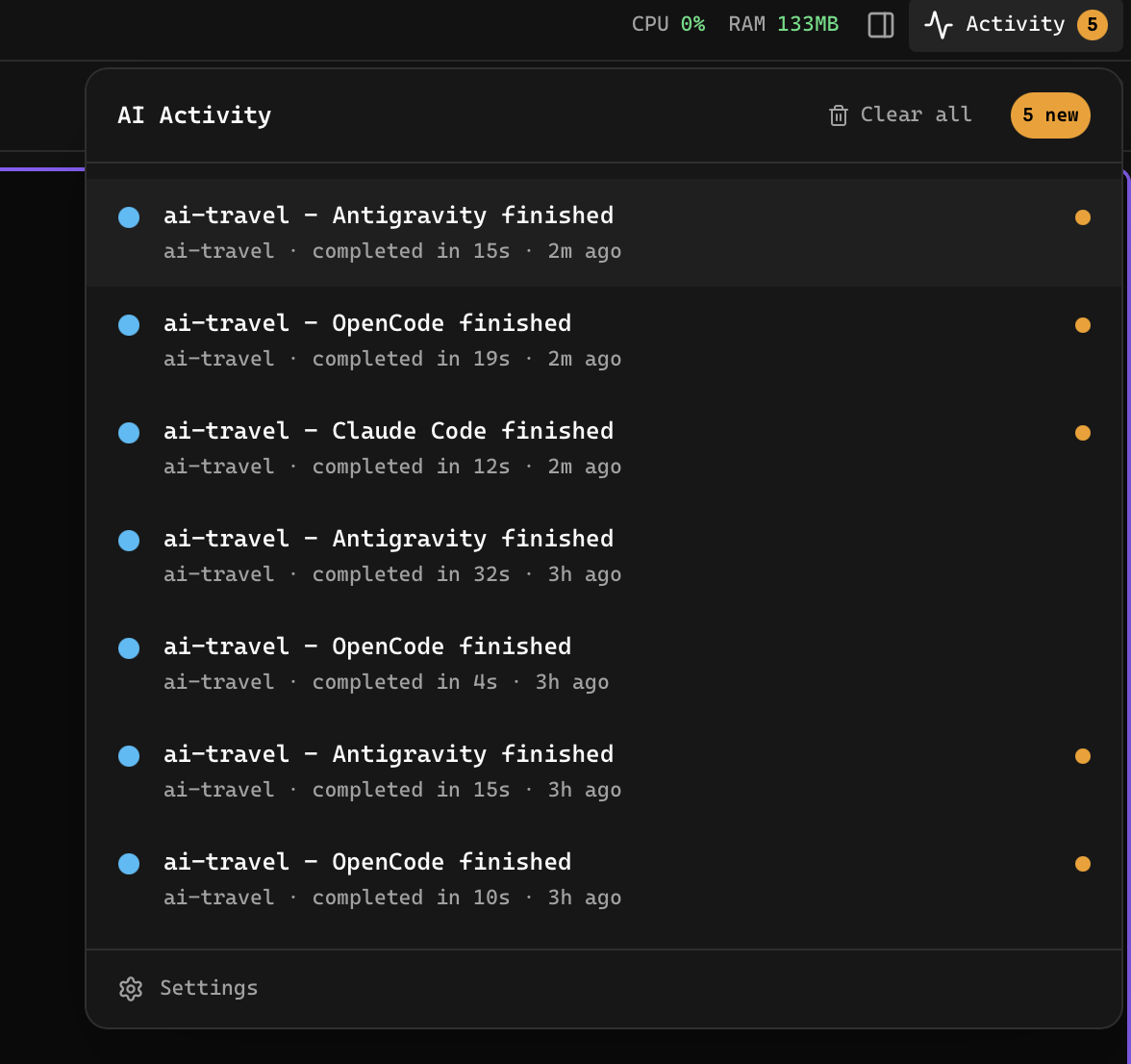
Real-time activity feed showing terminal completions and AI-generated files across all projects with one-click navigation.
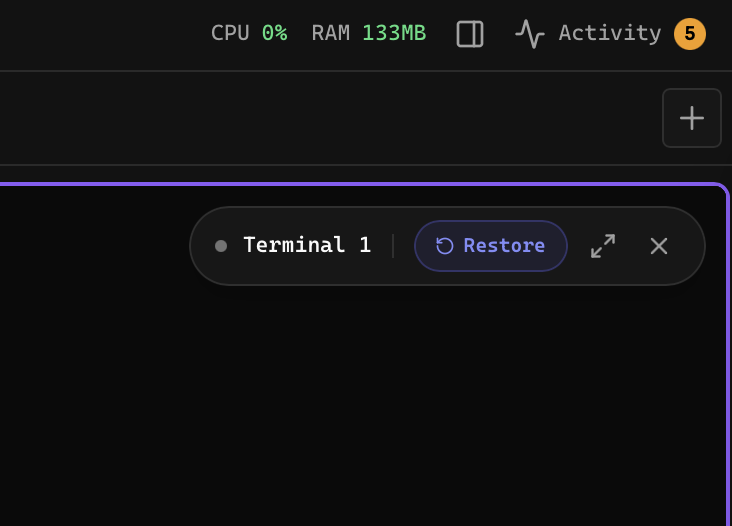
Hide inactive terminals to declutter your workspace, then restore them instantly from the hidden terminals menu.
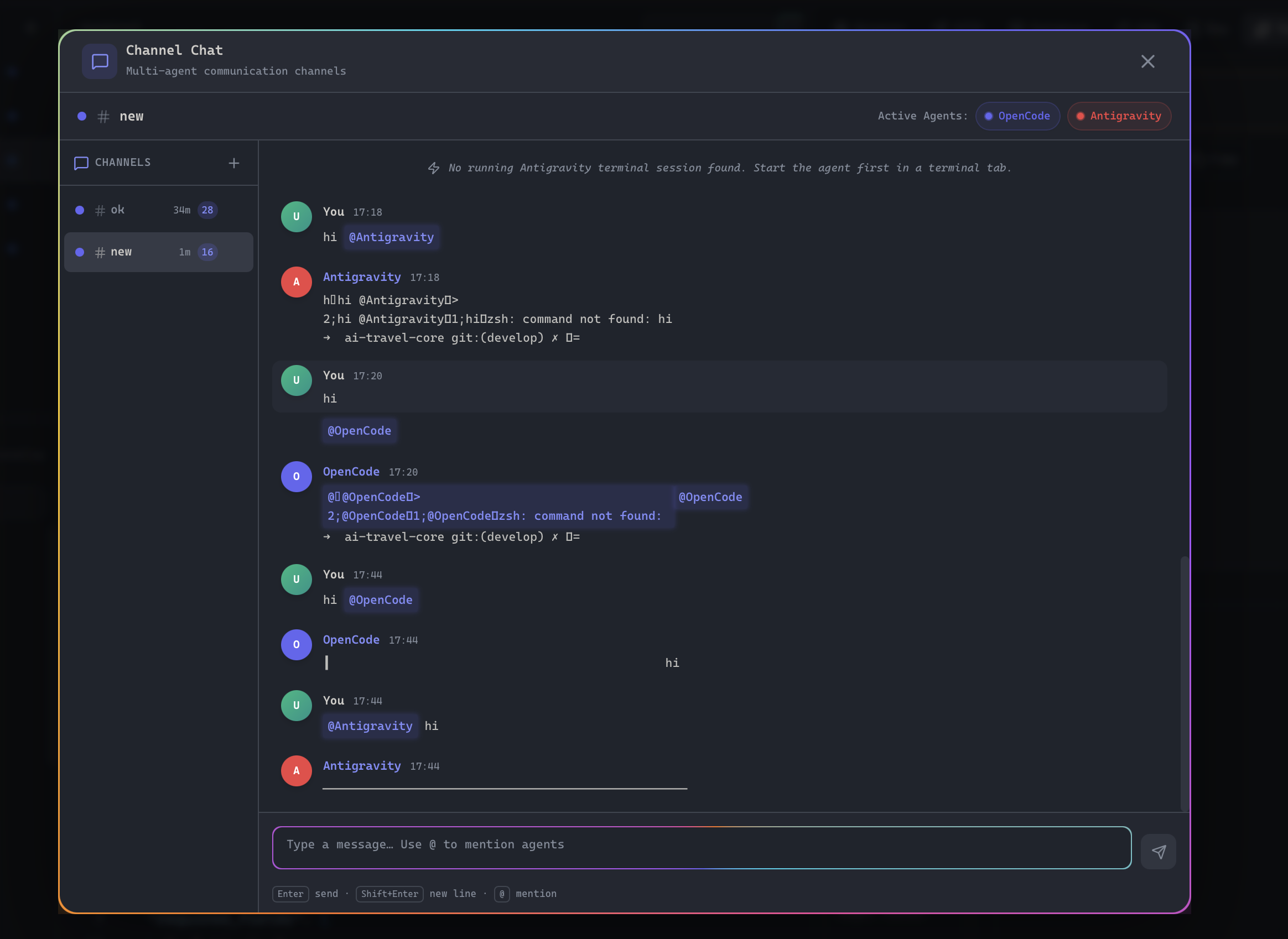
Create named channels where AI agents and you communicate in real time with mentions, orchestration, and multi-turn coordination.
Pause a running channel workflow mid-execution without losing context, then resume exactly where the operator stopped.
Drag files, folders, or projects into the AI prompt box as path mentions. Images attach as previews automatically.
Send files, browser logs, network activity, errors, and screenshots to any AI agent terminal from one context-rich dialog.
Get notified the instant an AI agent finishes a task or generates a file, with one-click navigation to the result.
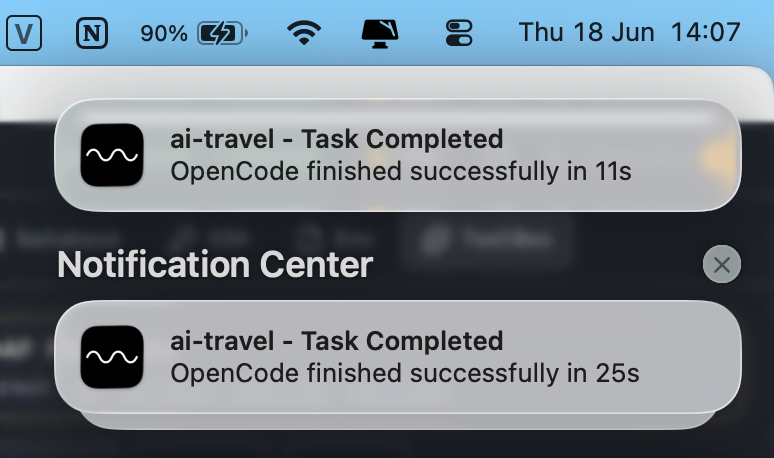
Receive native desktop system alerts when background AI tasks, agent actions, or project scripts finish.
Close and reopen the app while AI terminals keep prior conversation scrollback, resume actions, and auto-restart options.
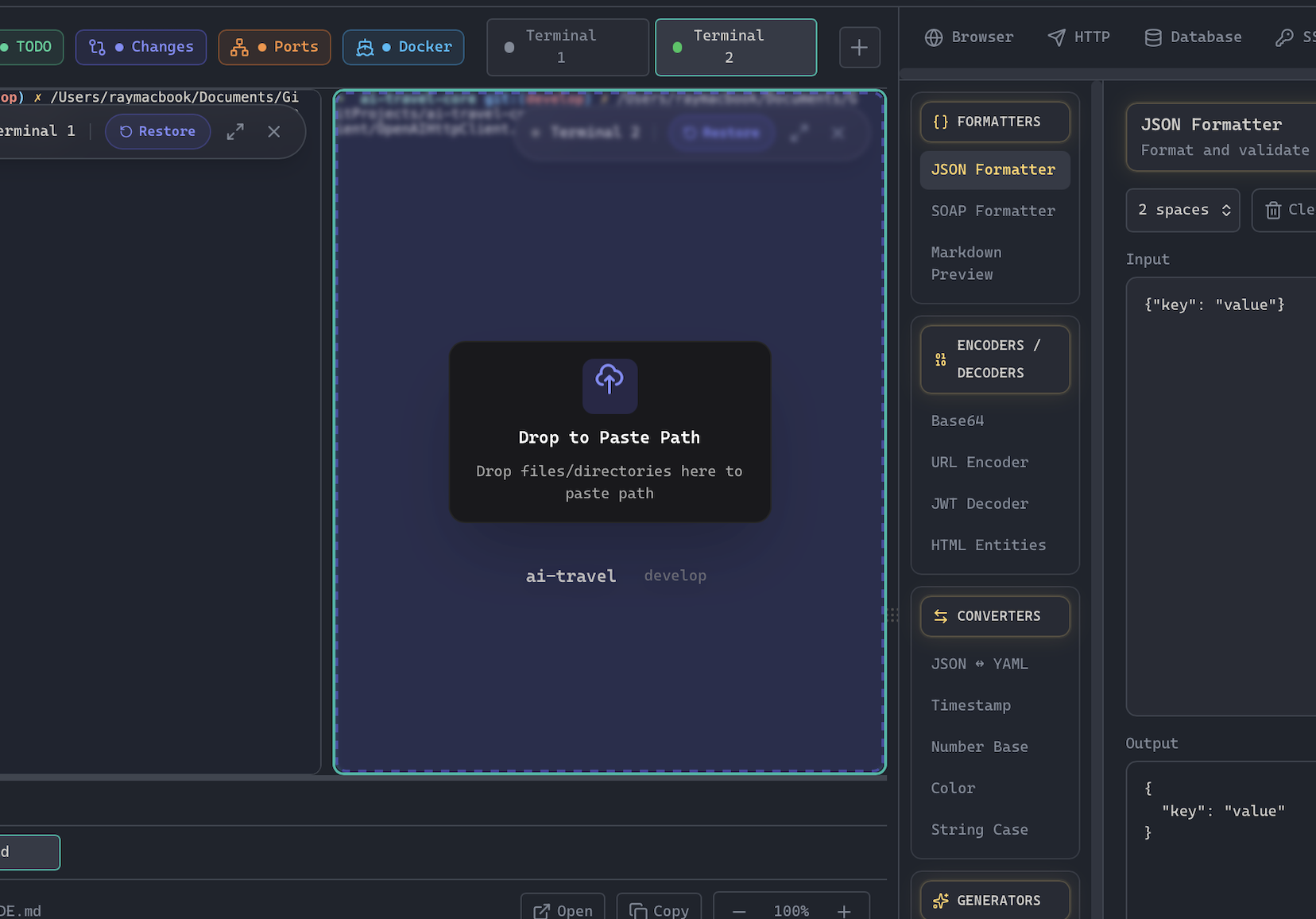
Drop files or folders onto terminals to insert escaped paths. AI terminals get mention syntax automatically.
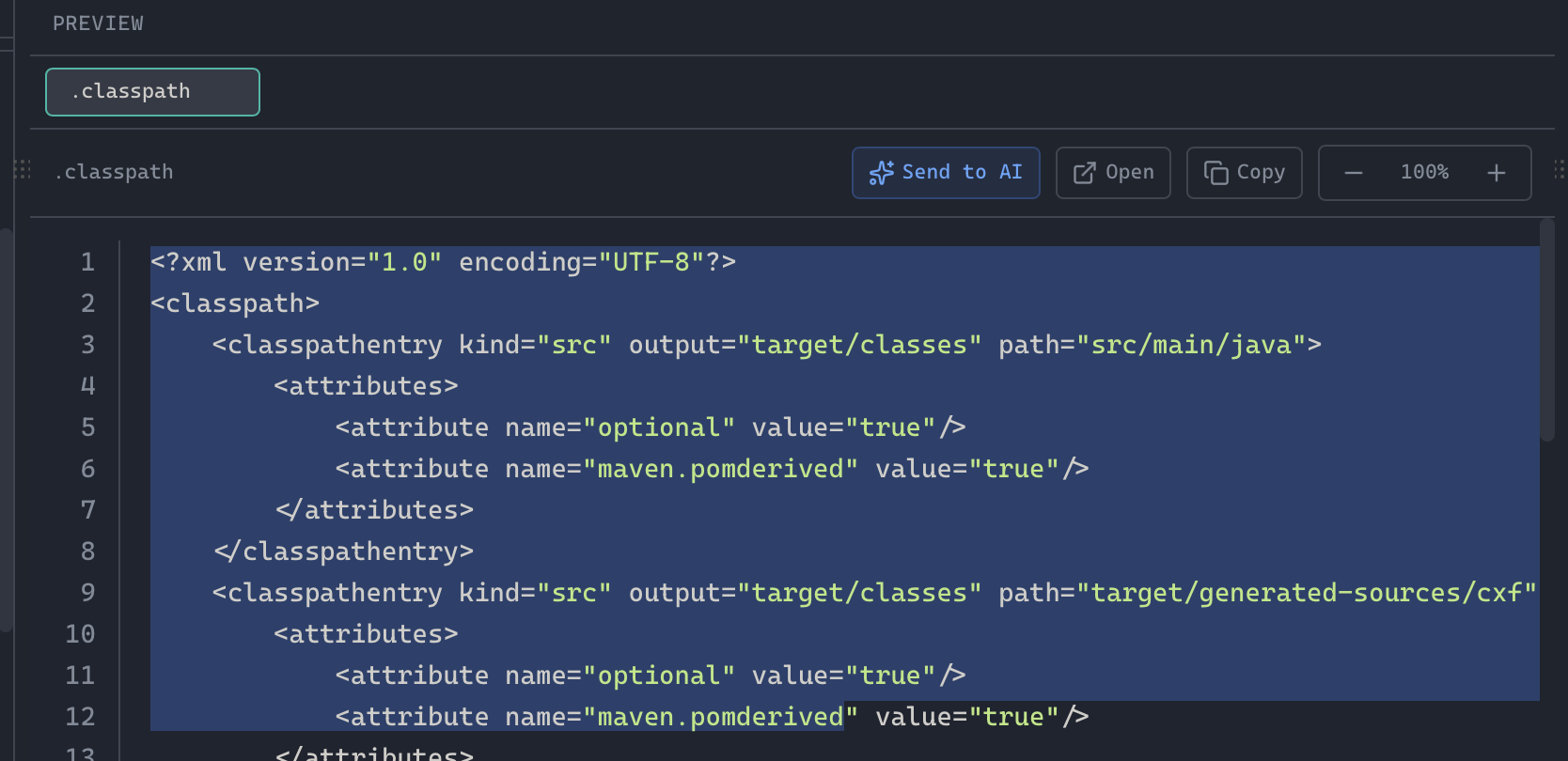
Highlight code blocks in the built-in editor and send them directly to any active AI agent terminal with one click.
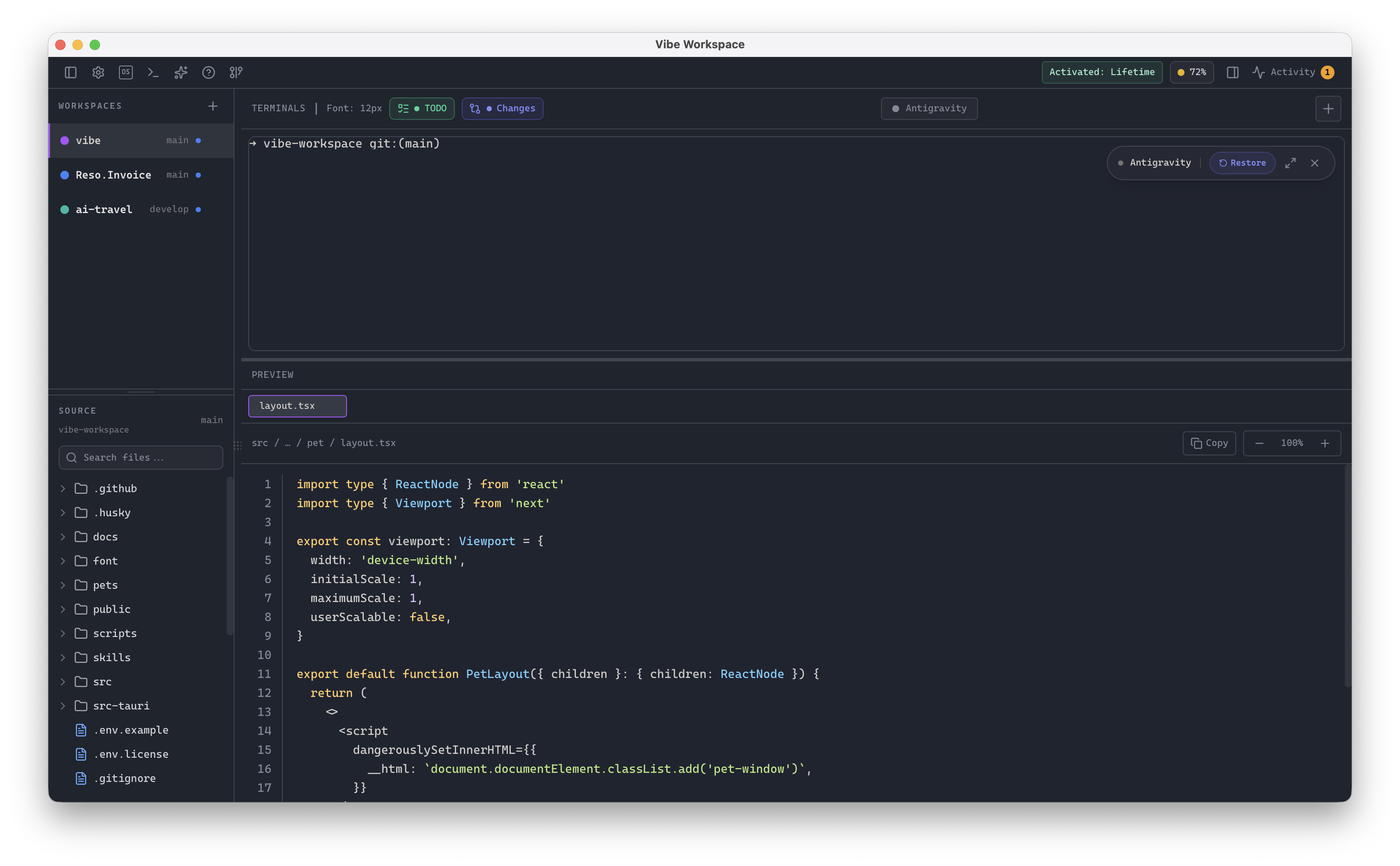
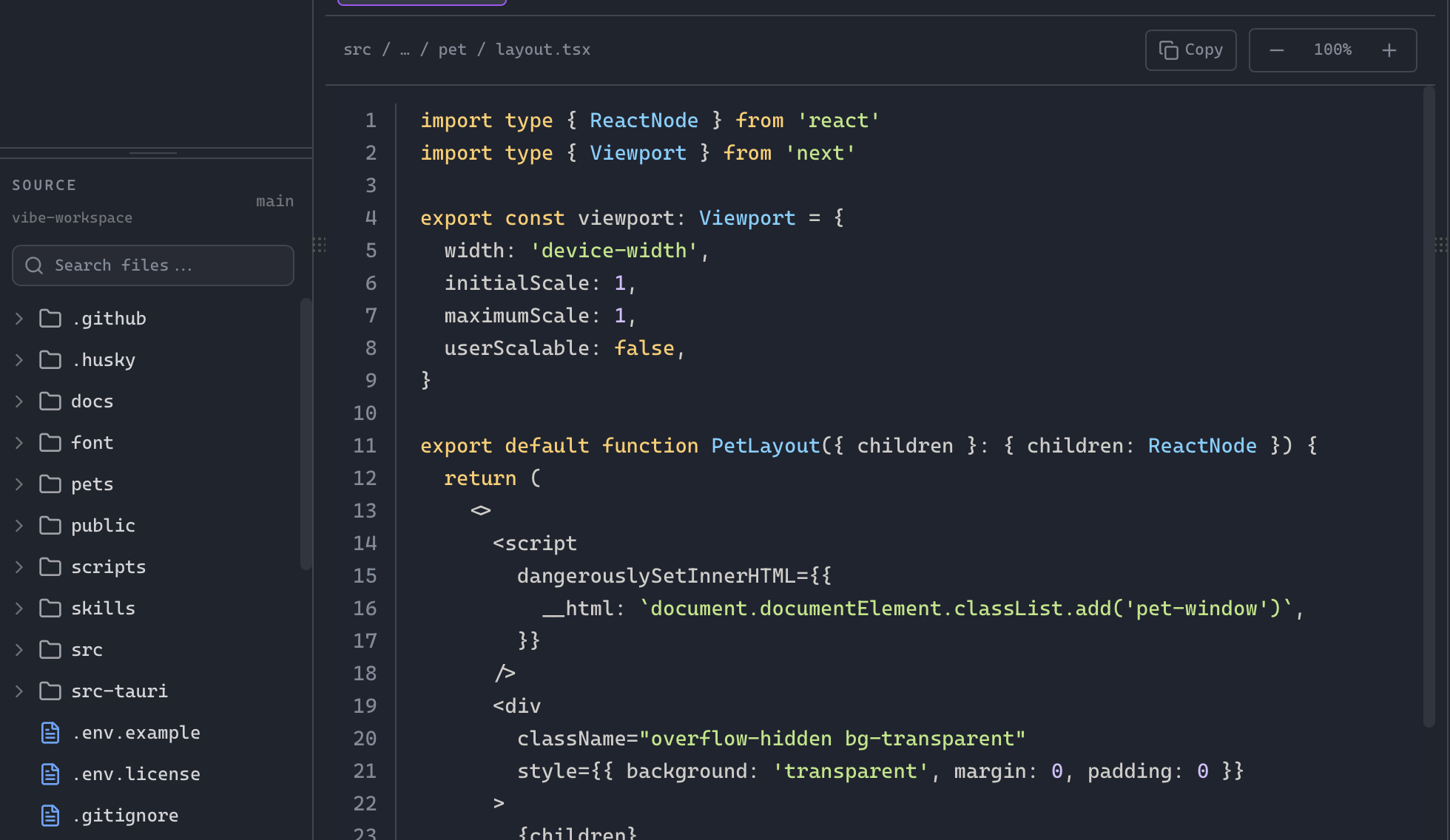
Write and edit code directly in the integrated workspace editor with inline AI agent assistance.
Quick-launch buttons for Claude, Codex, Gemini, Amp, OpenCode, bash, new terminal, and terminal settings.
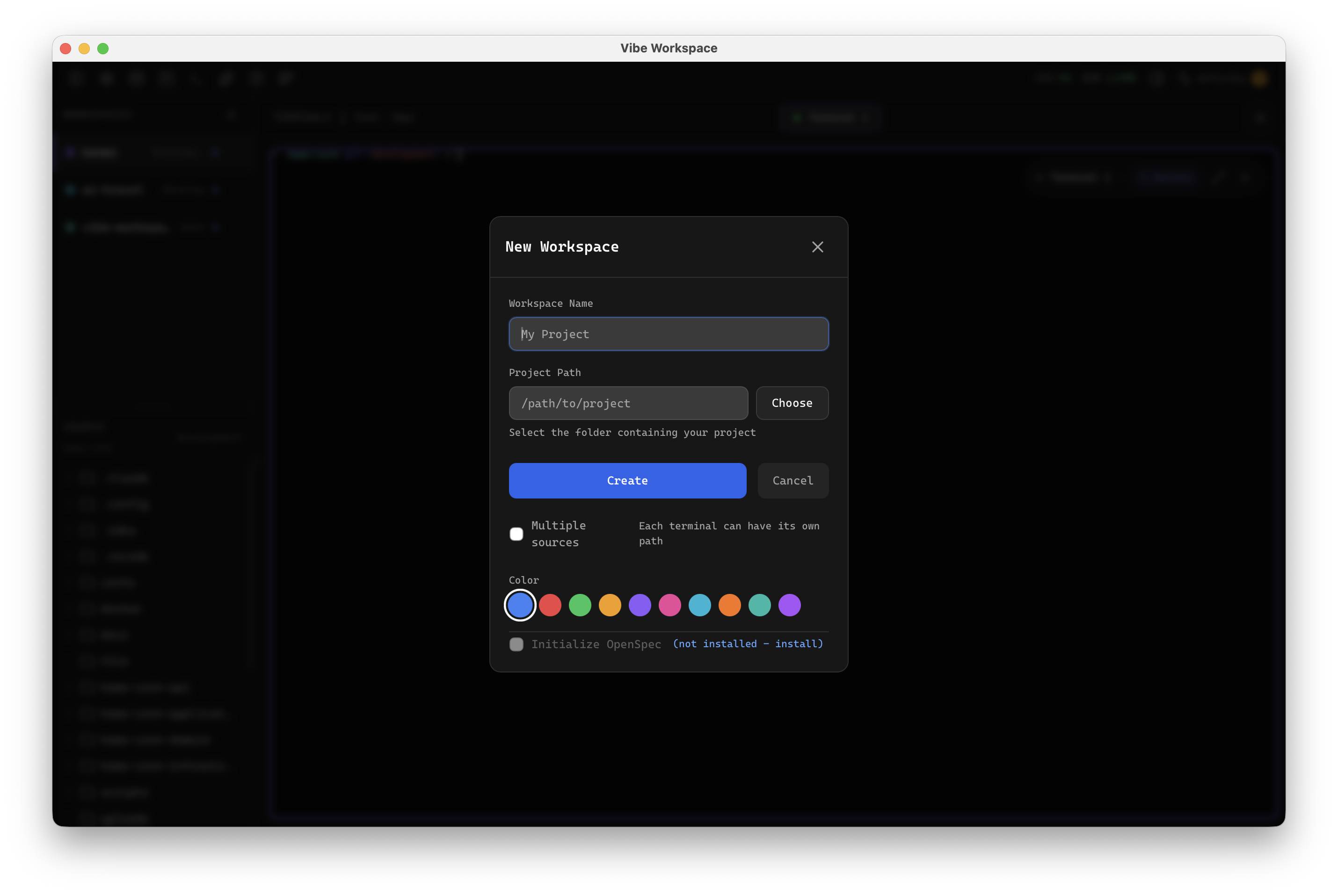
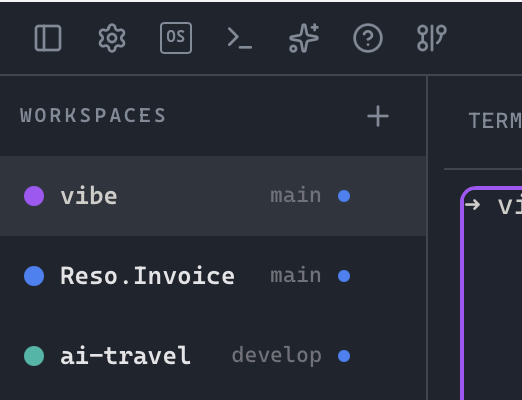
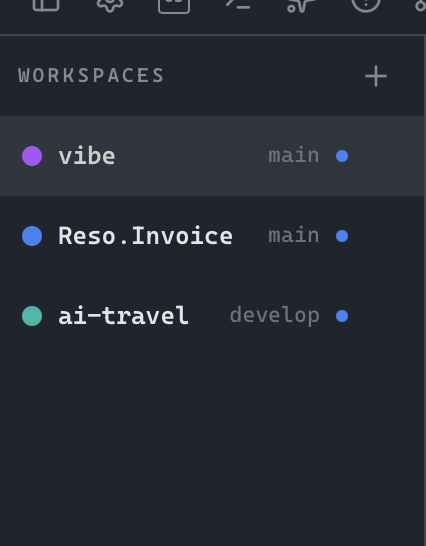
Work on multiple projects simultaneously with instant switching and preserved workspace state per project.
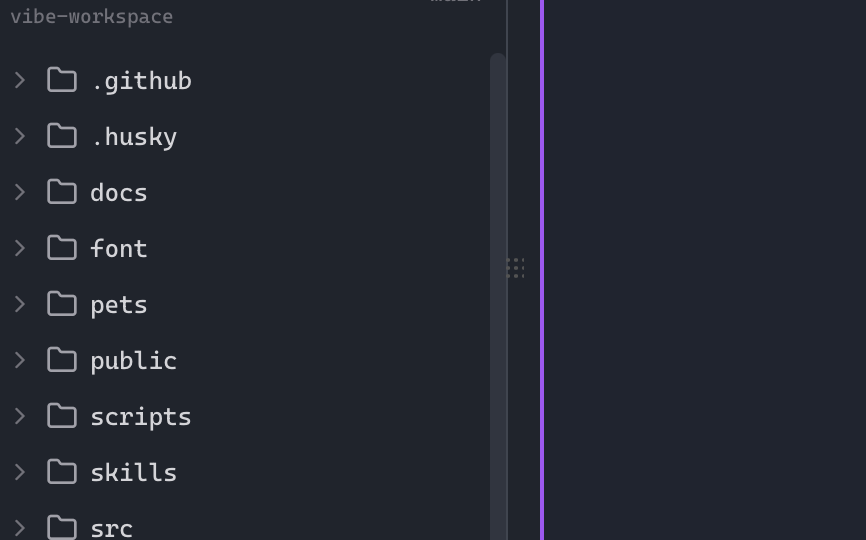
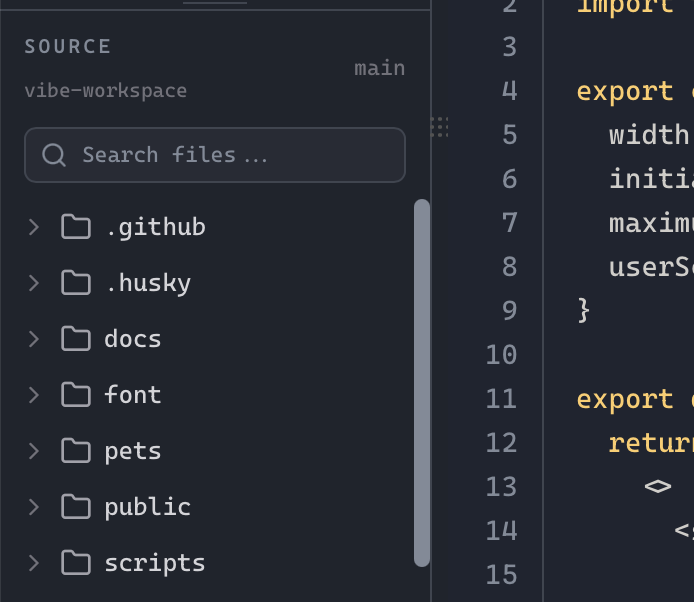
Real-time file tree with type icons, gitignore filtering, search, and right-click context menus.
Access your workspace from any device, pair via QR code, manage devices, and toggle the remote server.
Add a remote folder as a first-class project so terminals, files, and workflows start on the target machine.
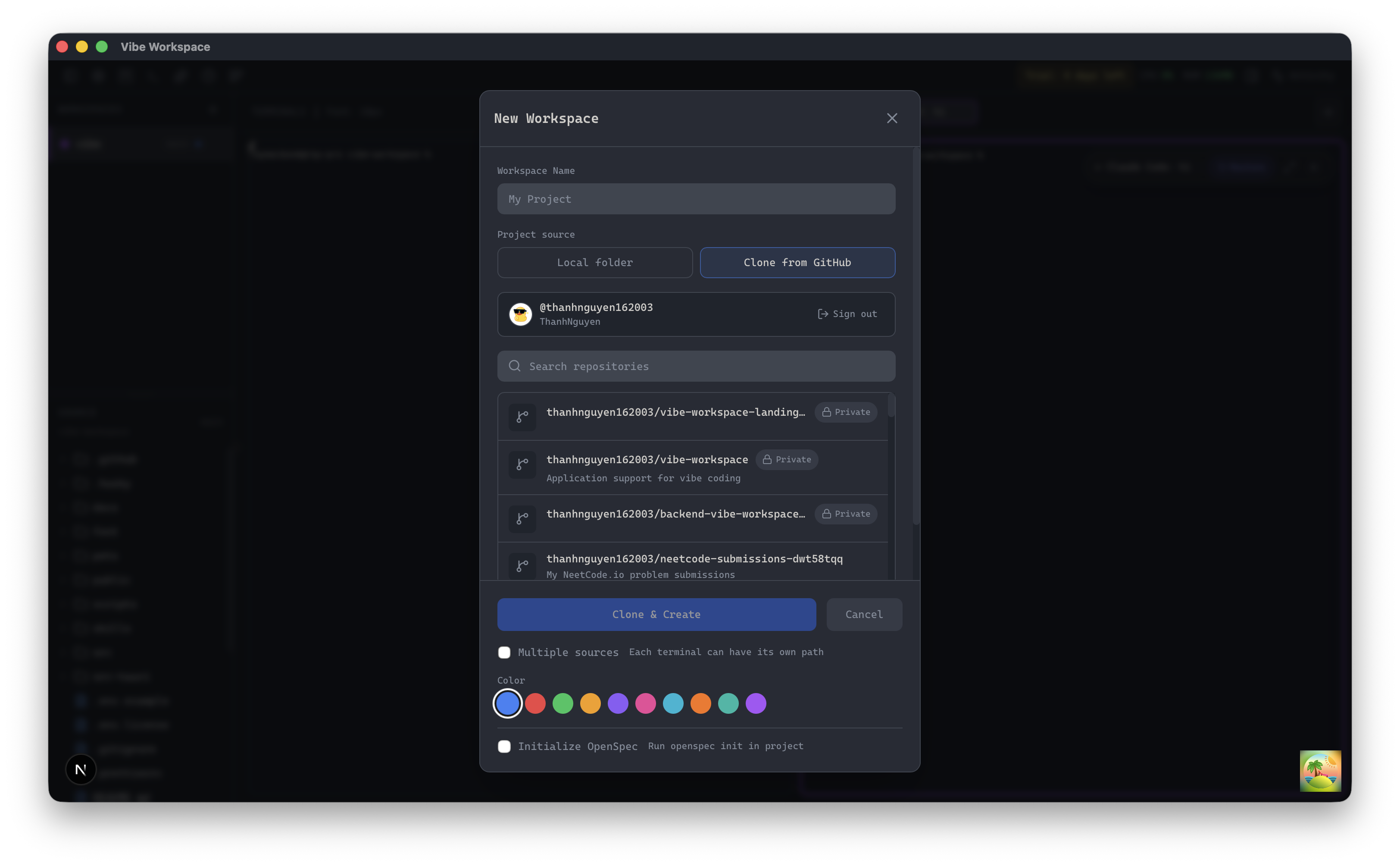
Browse repositories from a saved GitHub account and clone one into a new project in a single flow.
See staged, unstaged, and untracked files at a glance and stage individual files with a click.
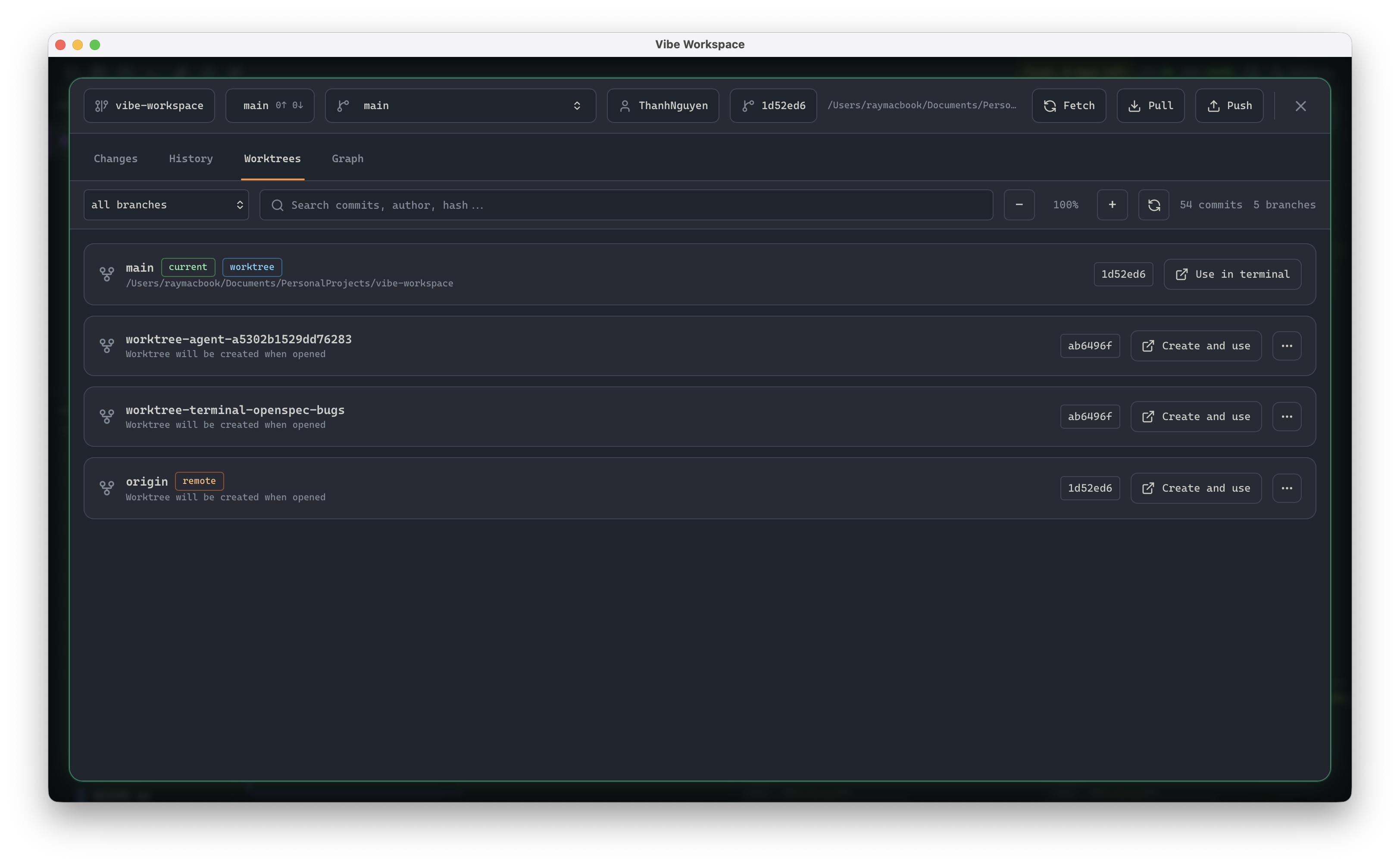
Run multiple branches of the same repo side-by-side, each with its own files, terminals, and dirty state.
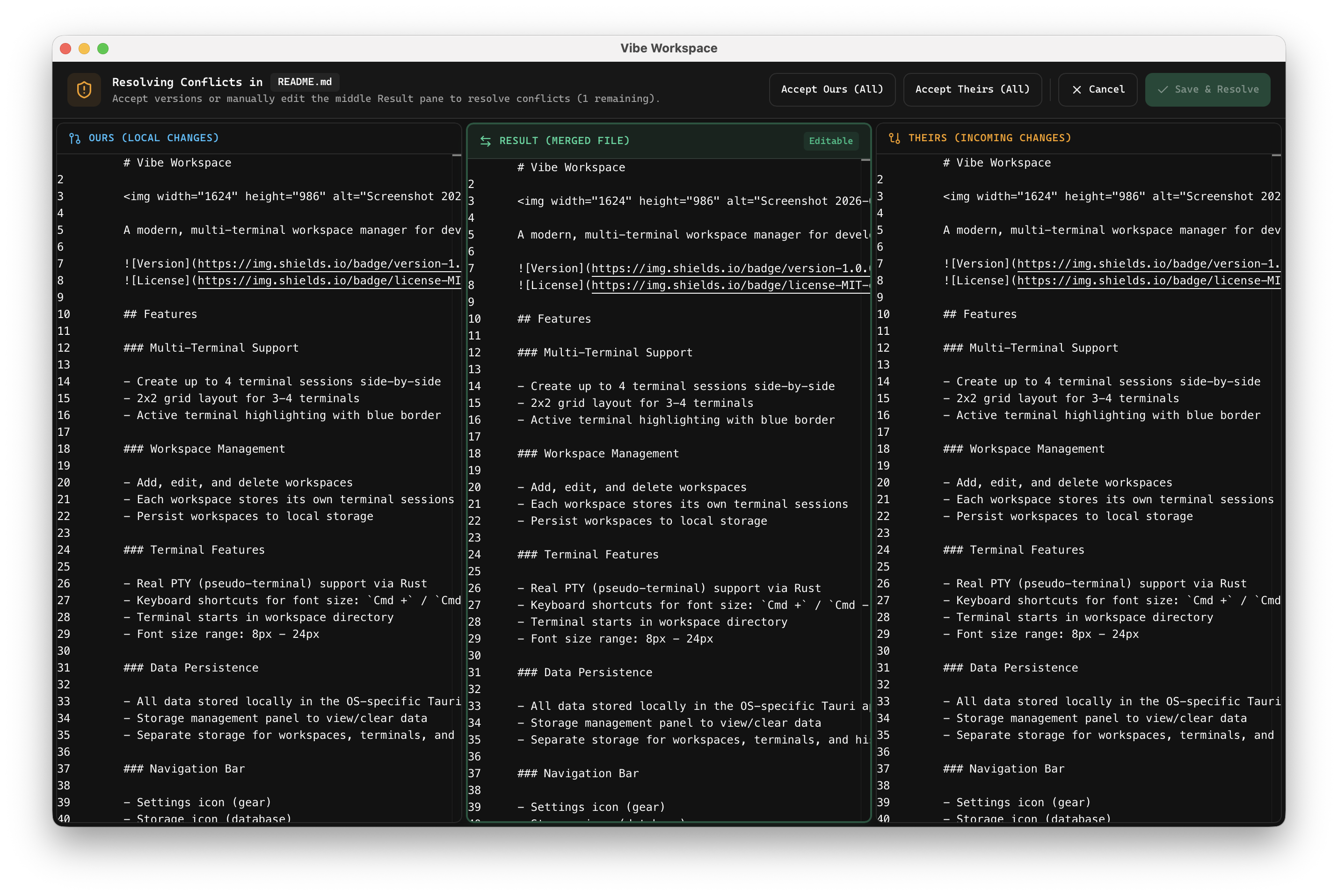
Solve Git merge conflicts visually with multi-agent context and automated three-way merge assistance.
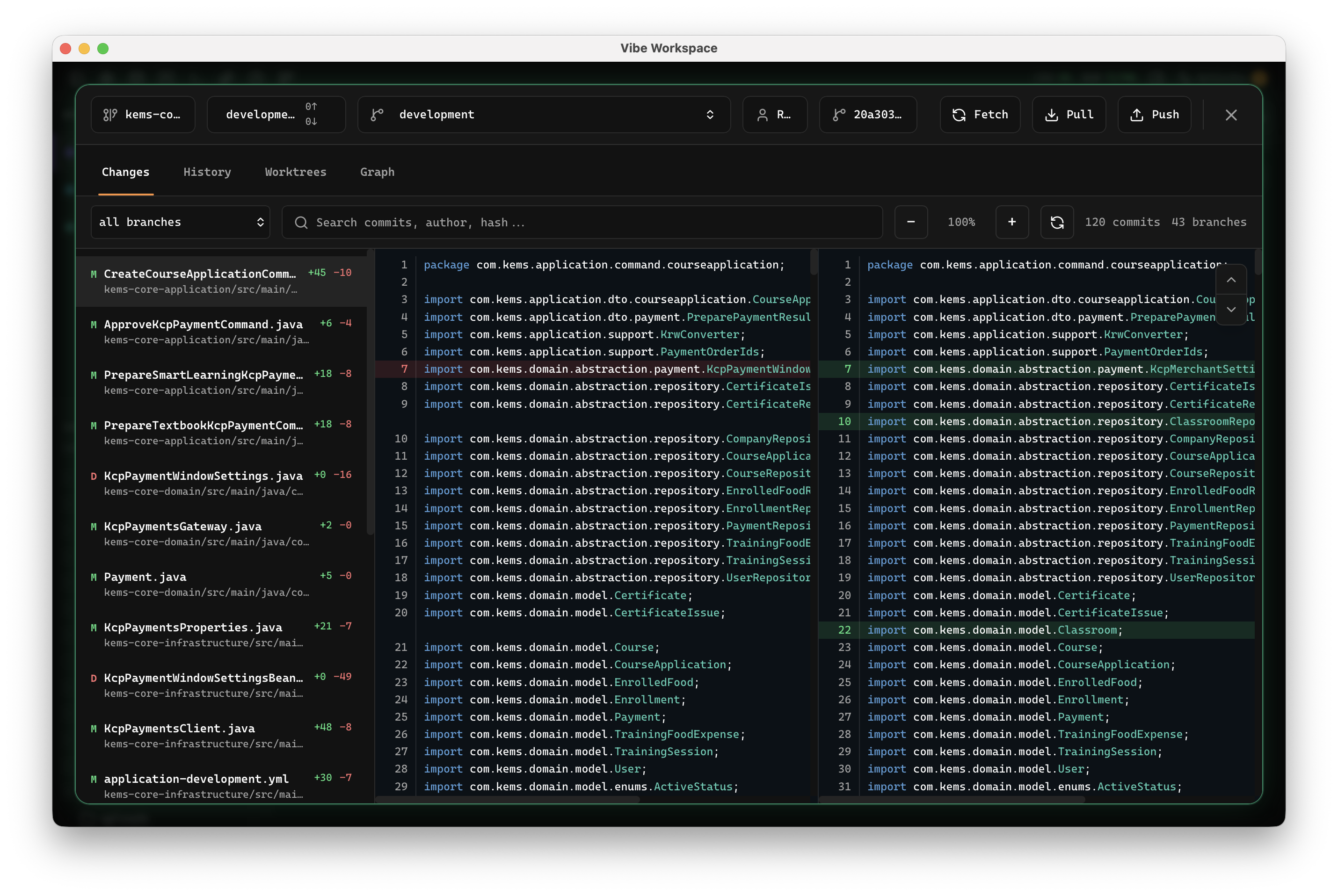
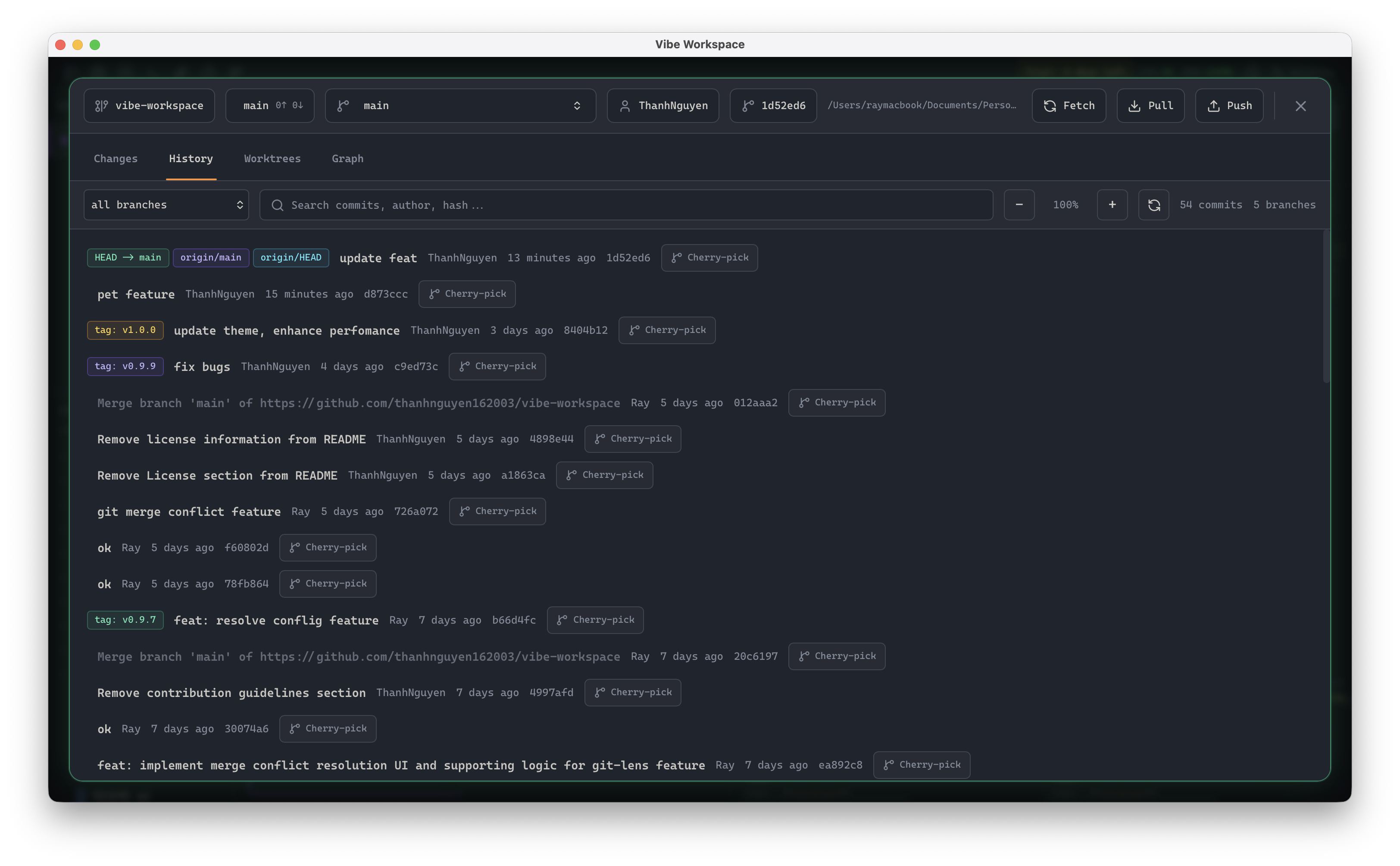
Browse commit logs, view branch trees, and inspect historic code changes interactively.
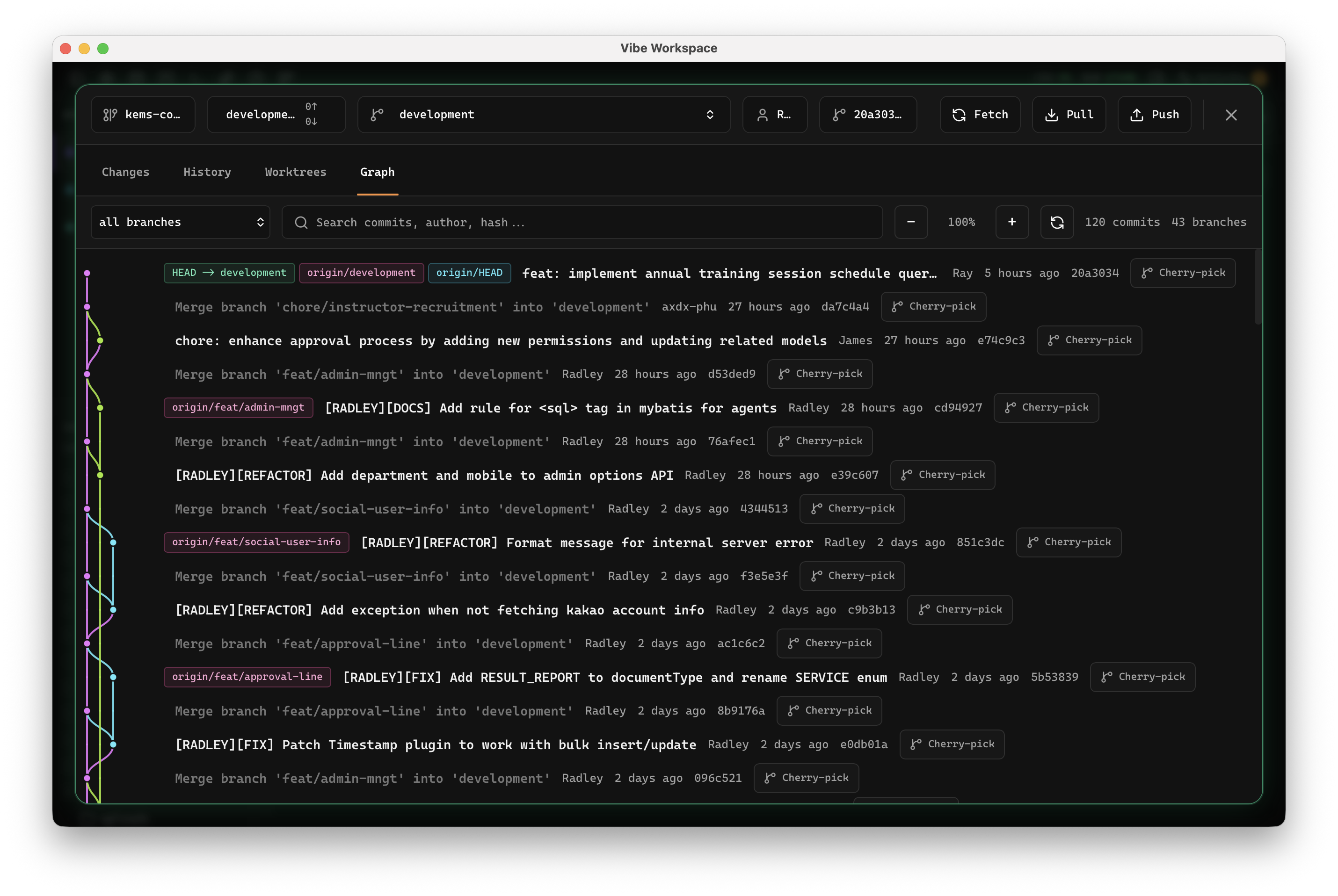
Inspect branching history, commit relationships, and merge paths with an interactive visual Git graph.
Assign visual colors to each project for quick identification across your workspace.
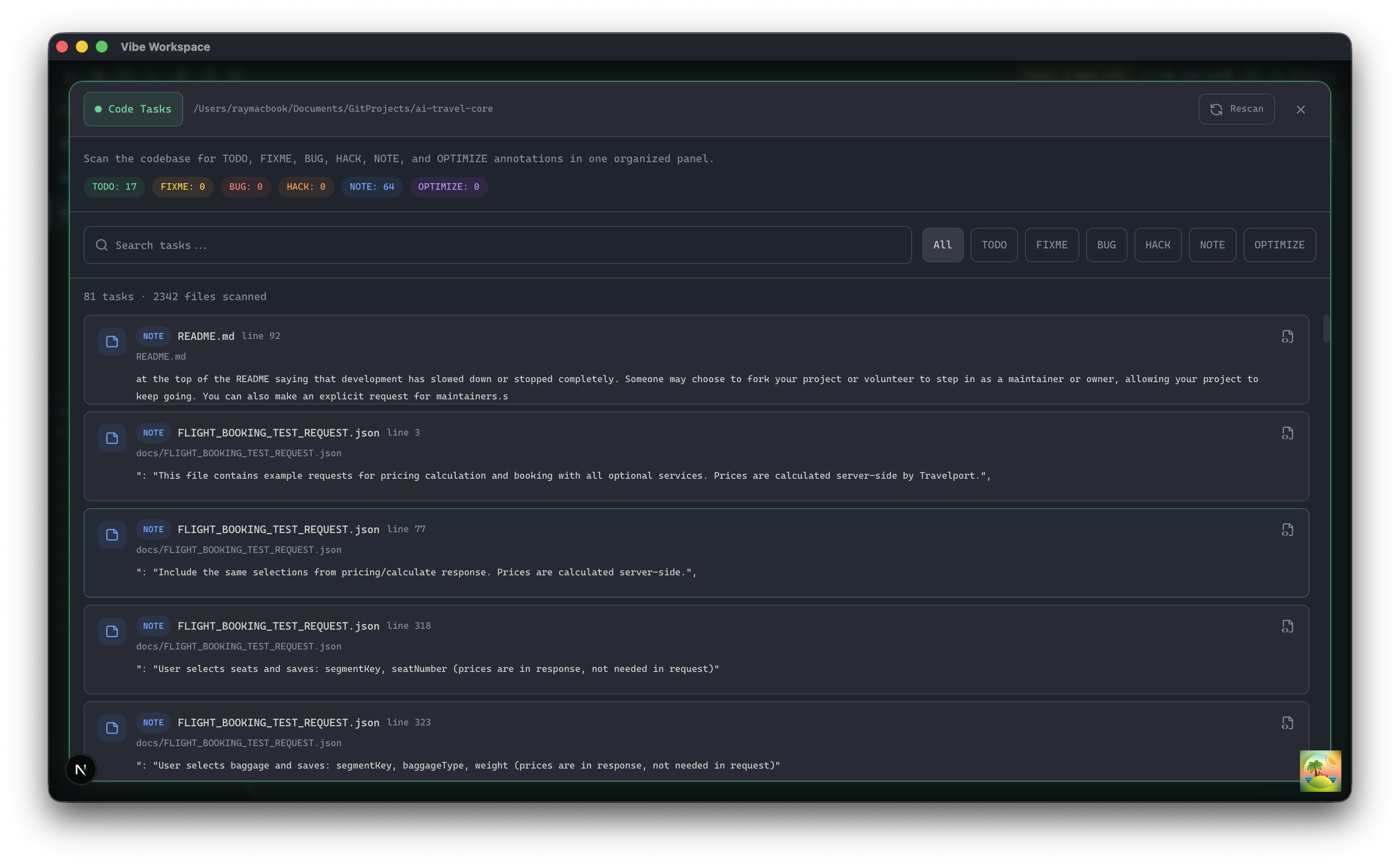
Scan the codebase for TODO, FIXME, BUG, HACK, NOTE, and OPTIMIZE annotations in one organized panel.
When the sidebar is hidden, an icon rail remains so you can jump to panels and re-expand quickly.
Hide the editor panel to full-screen terminals while a slim status bar keeps restore actions available.
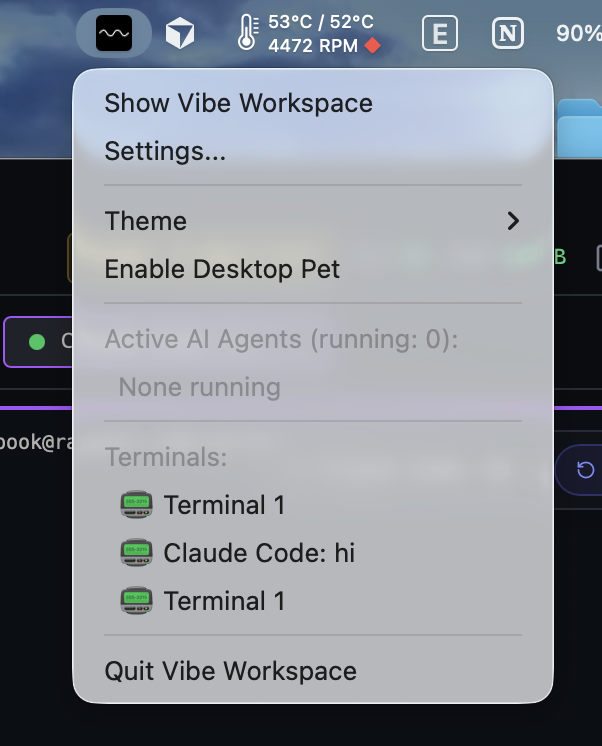
A system tray item shows active AI agents and lets you jump straight to any active terminal.
Launch files in VS Code, Cursor, Zed, Sublime Text, WebStorm, or your preferred detected editor.
Organize projects into named, color-coded groups and nested groups that remember collapsed state.
Search across all files in your workspace with instant regex matching and results preview.
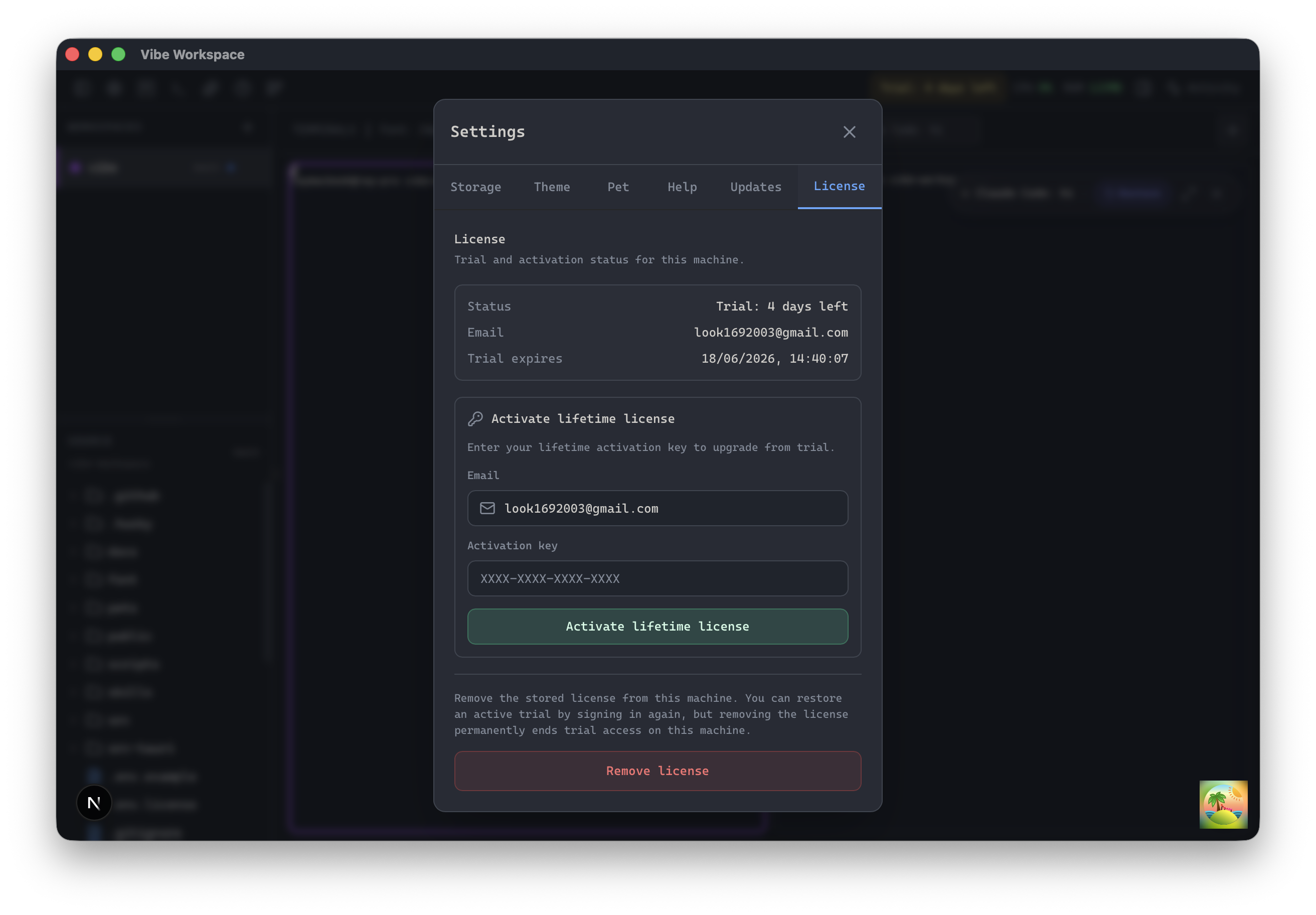
Start a free trial, manage your subscription, and check your workspace license status directly from the settings panel.
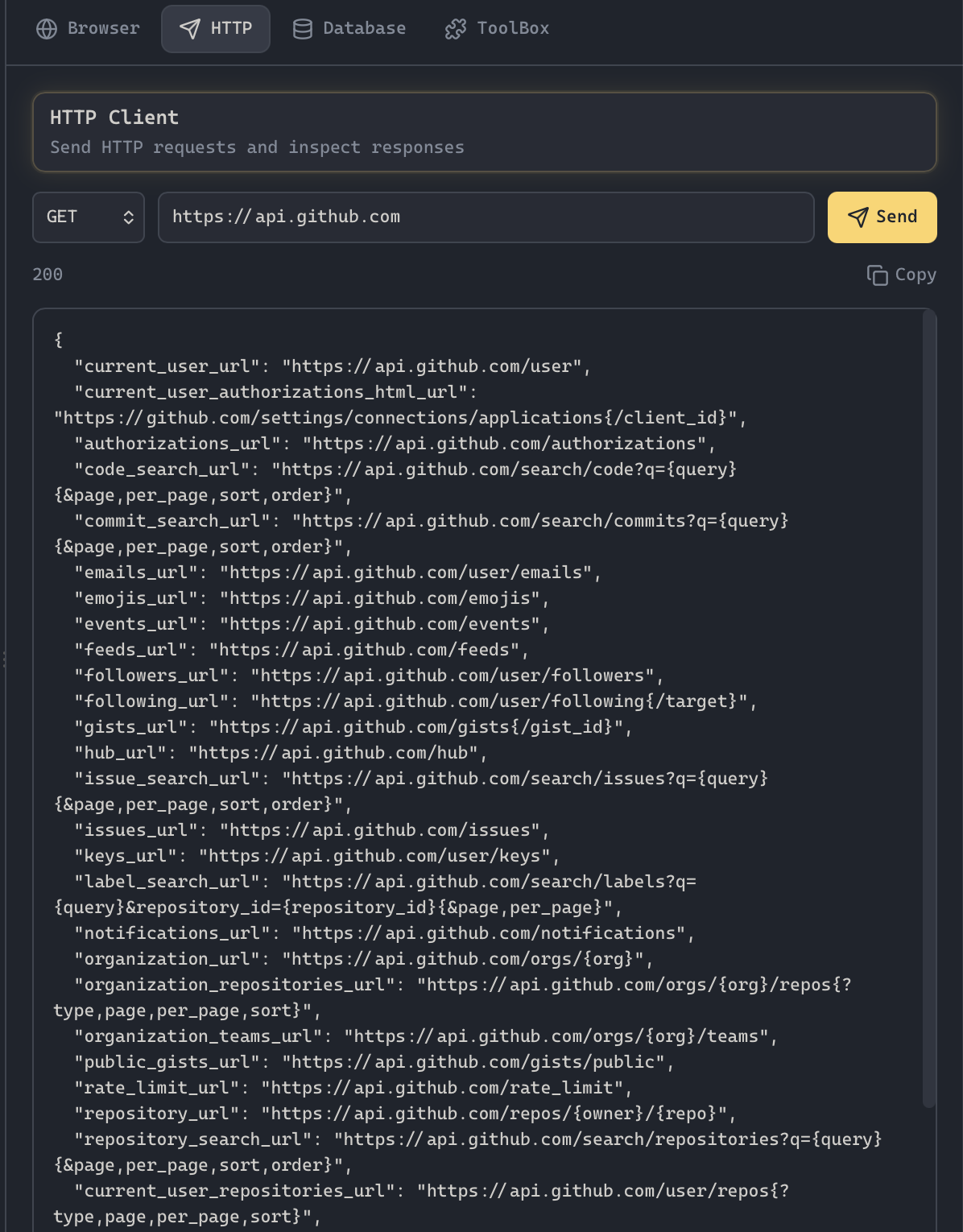
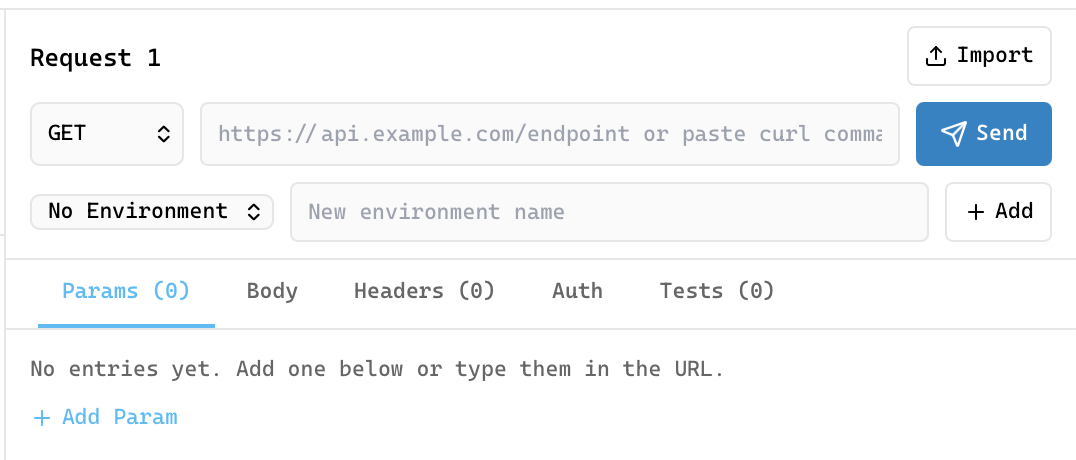
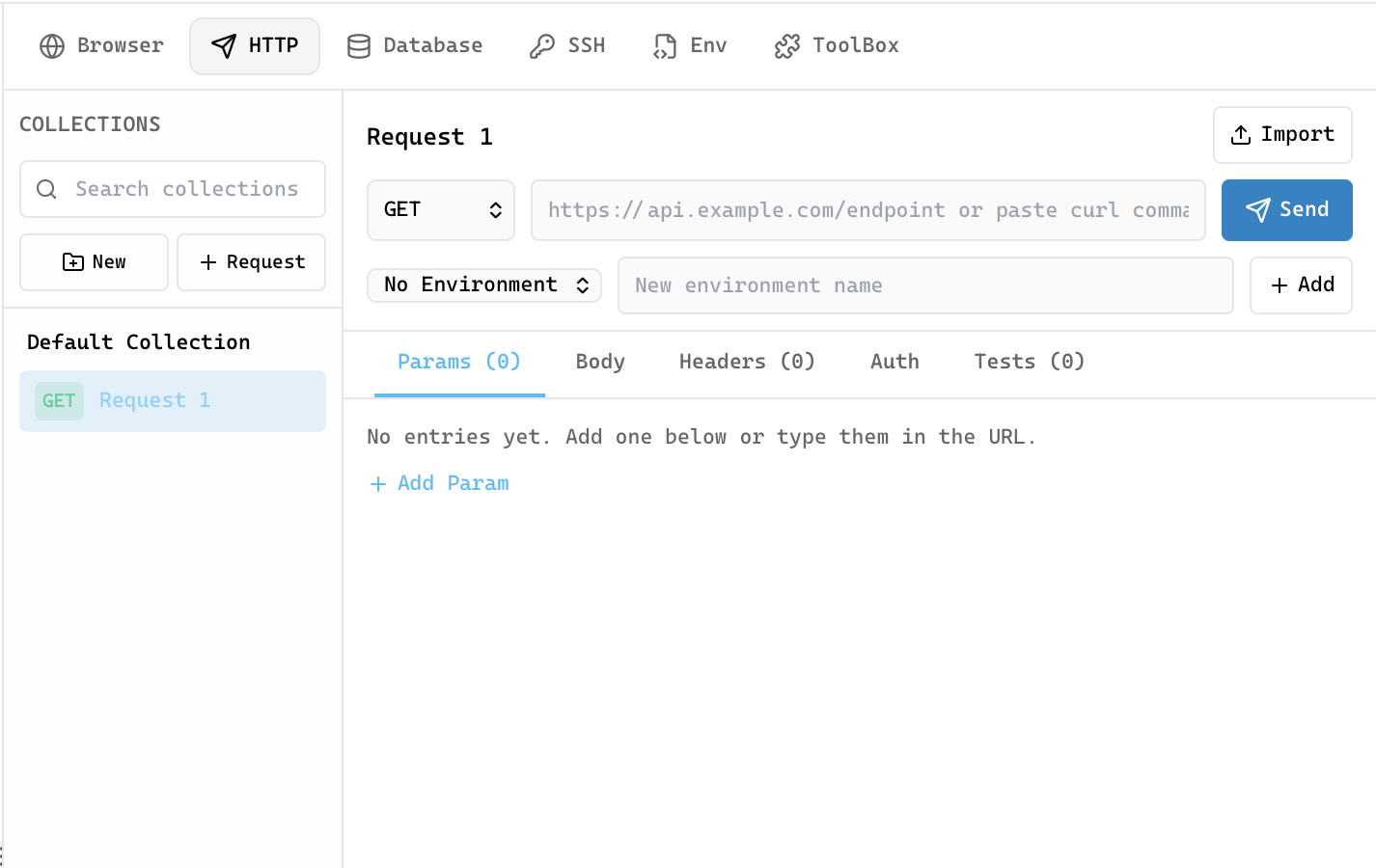
Postman-like request builder with method selector, custom headers, body editor, and auth support.
Inspect formatted JSON, headers, status codes, latency, and response structure with a readable tree viewer.
Organize API work in nested collections with folders, saved tabs, request history, and reusable environments.
Bring existing API collections into the workspace and export them back out without rebuilding request libraries.
Open supported collection files directly from the file explorer with hierarchy and environments preserved.
Connect to PostgreSQL, MySQL, MongoDB, Redis, Elasticsearch, ClickHouse, Cassandra, SurrealDB, Weaviate, InfluxDB, Kafka, CouchDB, and MSSQL.
SQL editor with syntax highlighting, auto-formatting, multi-tab workspace, and exportable result grids.
Browse schemas, preview data, filter tables, and edit rows directly in the results grid.
Use a tabbed database workspace with connection rail, table list sidebar, and query tabs.
Open SQLite files directly from the file explorer and query them with the same database workspace.
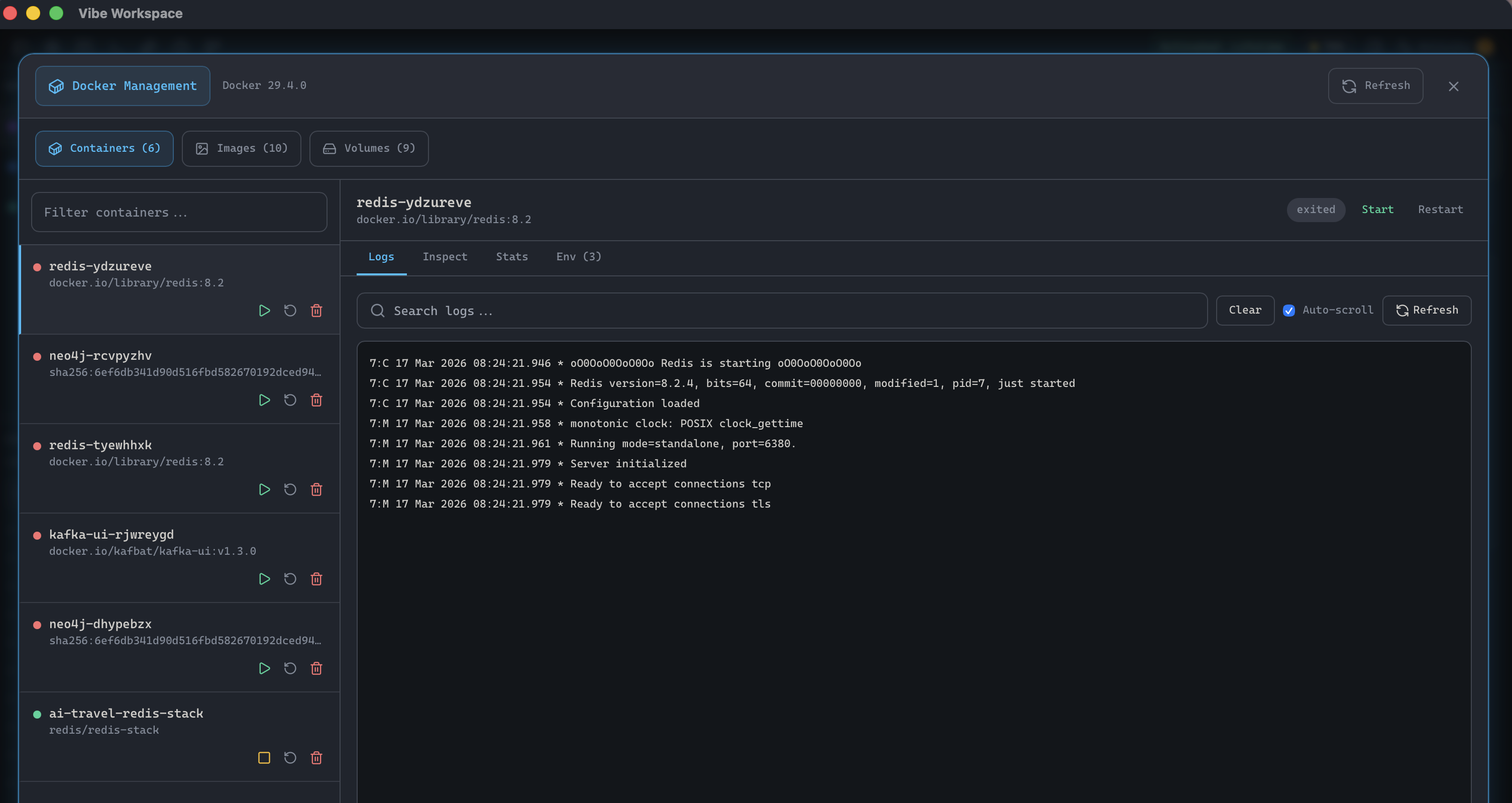
View containers with status indicators, one-click start/stop/restart, and resource monitoring gauges.
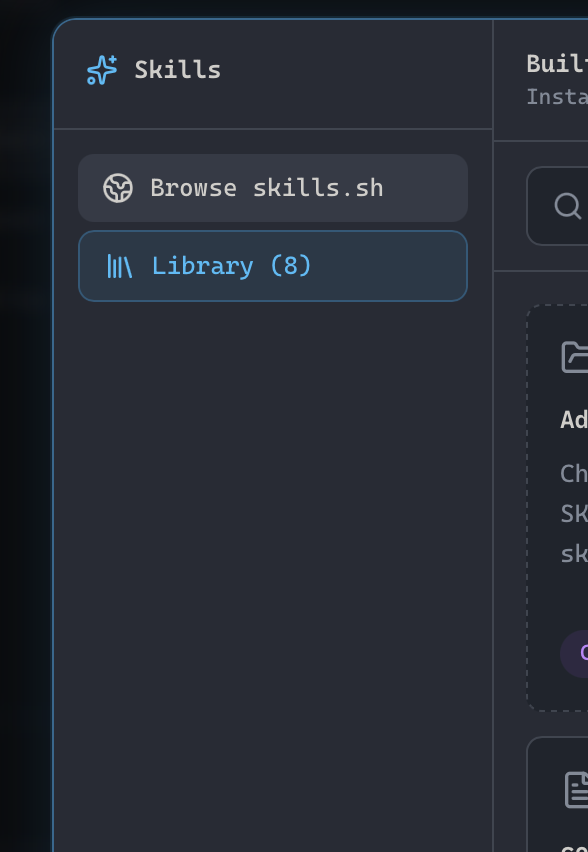
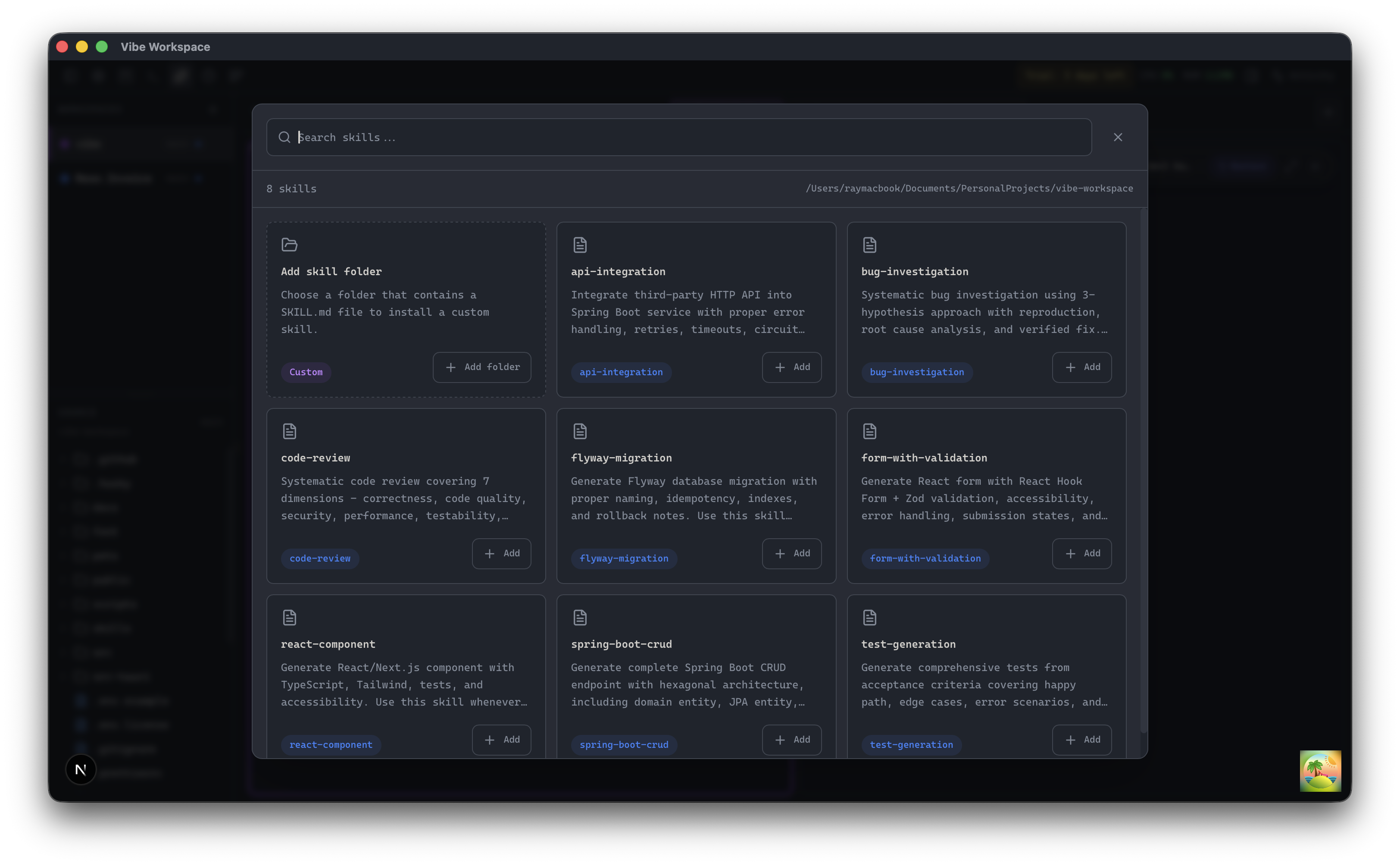
Browse local and remote AI agent skills by category, tool, and collection with security risk scanning.
Import local and remote AI agent skills from custom Git repositories, package registries, or local folders.
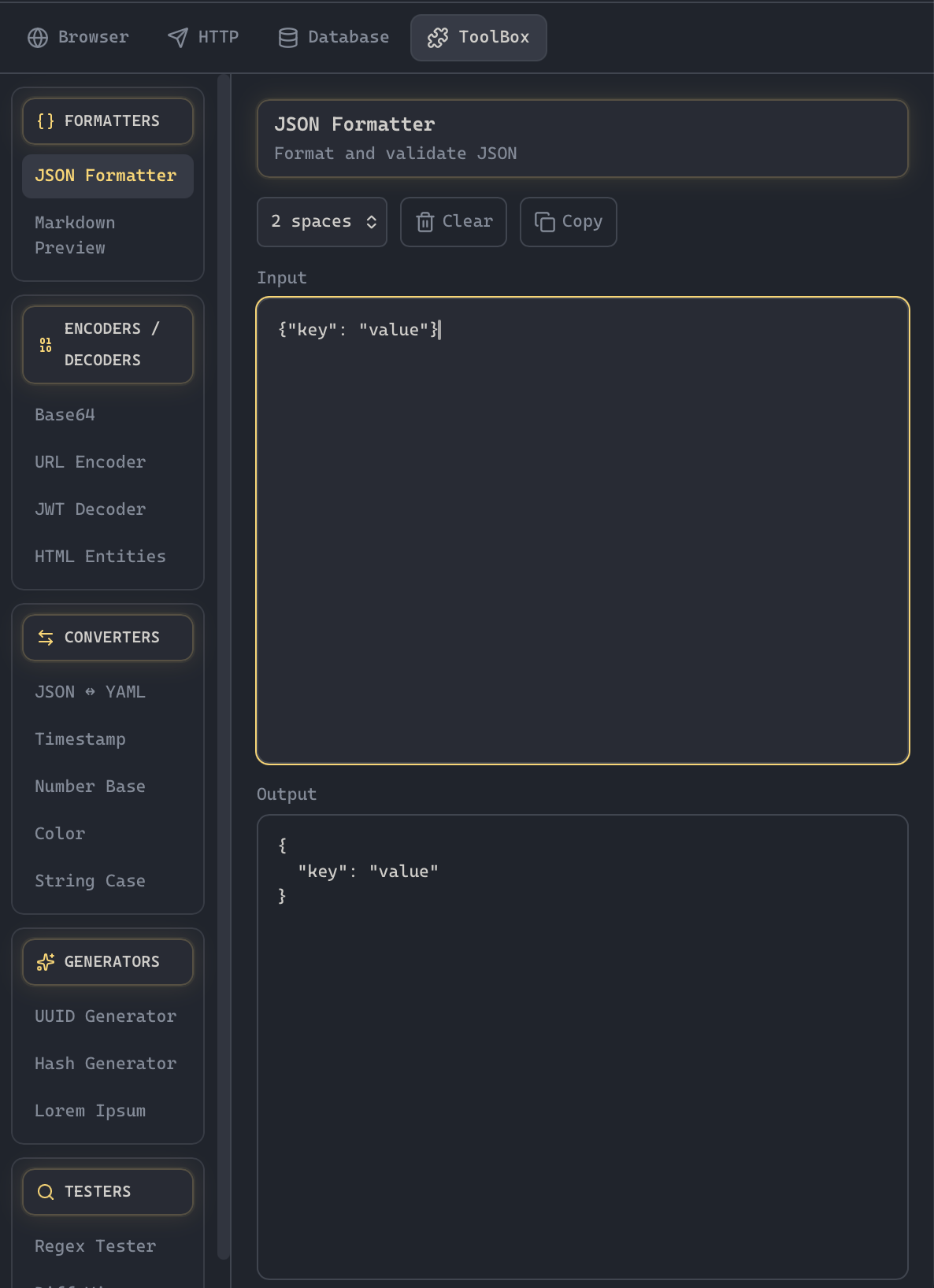
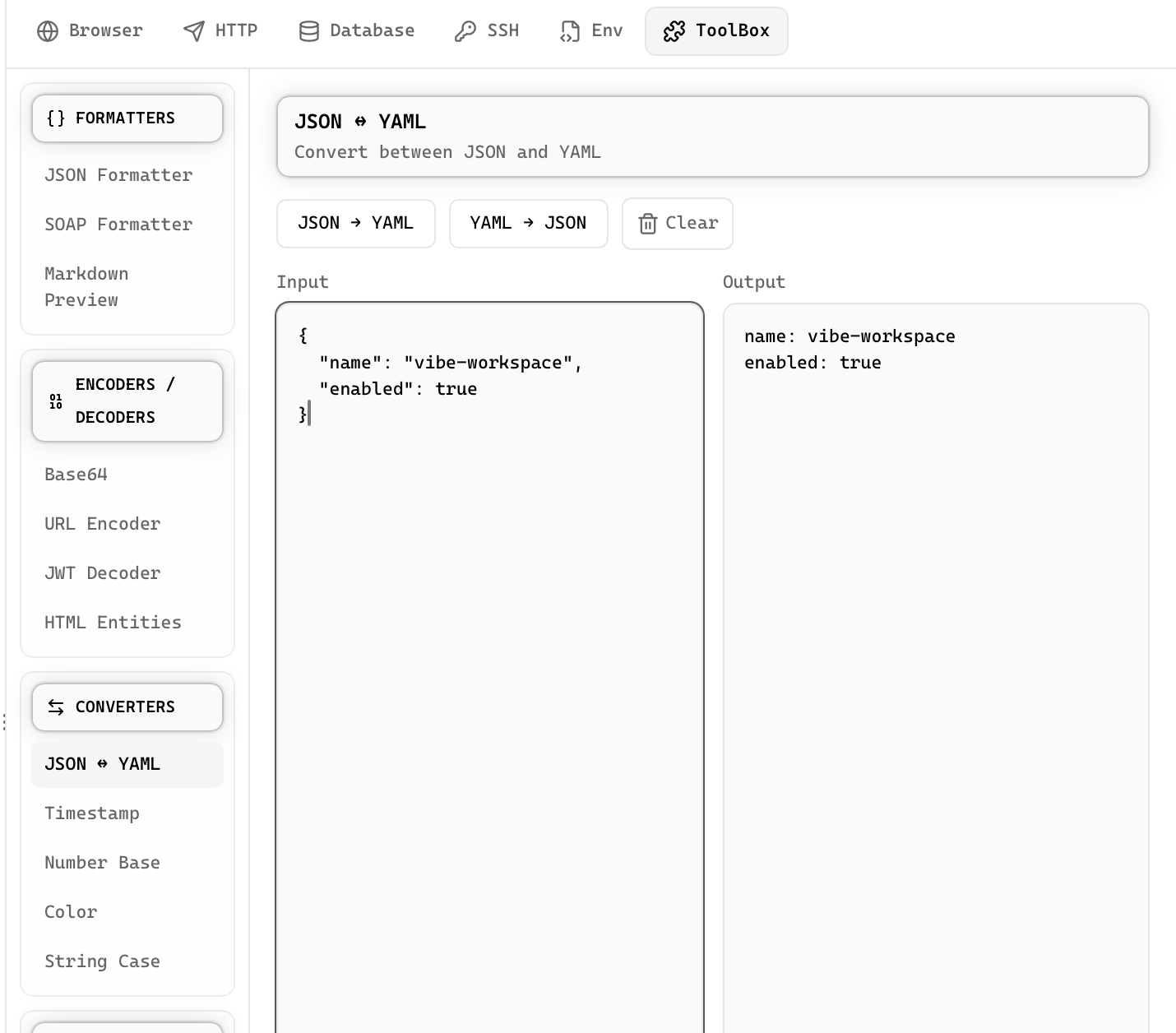
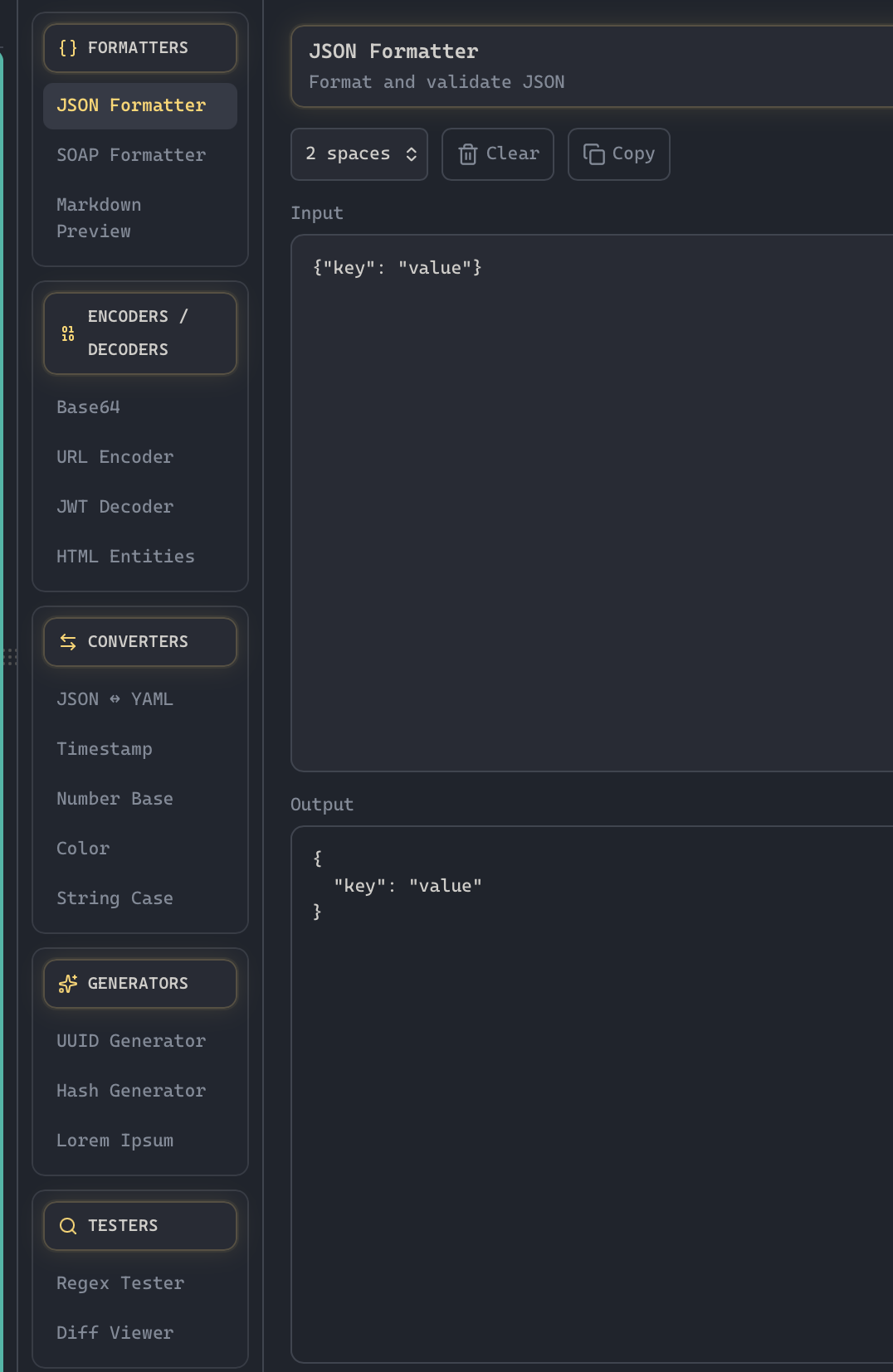
Format, validate, and minify JSON with syntax highlighting and error detection.
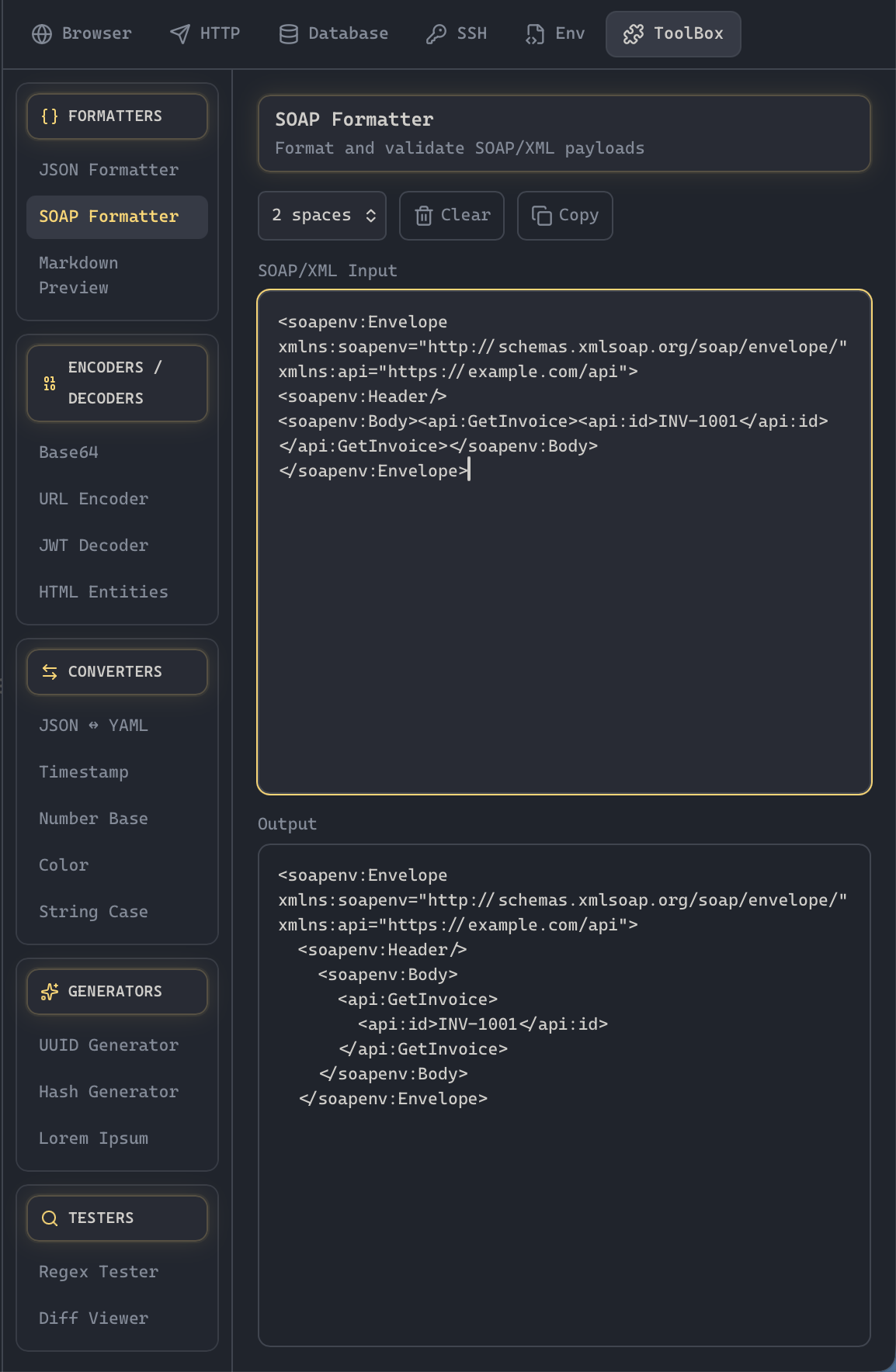
Format, validate, beautify, and inspect SOAP and XML request payloads with hierarchical tree rendering.
Decode and inspect JWT tokens with header, payload, signature, and expiration checking.
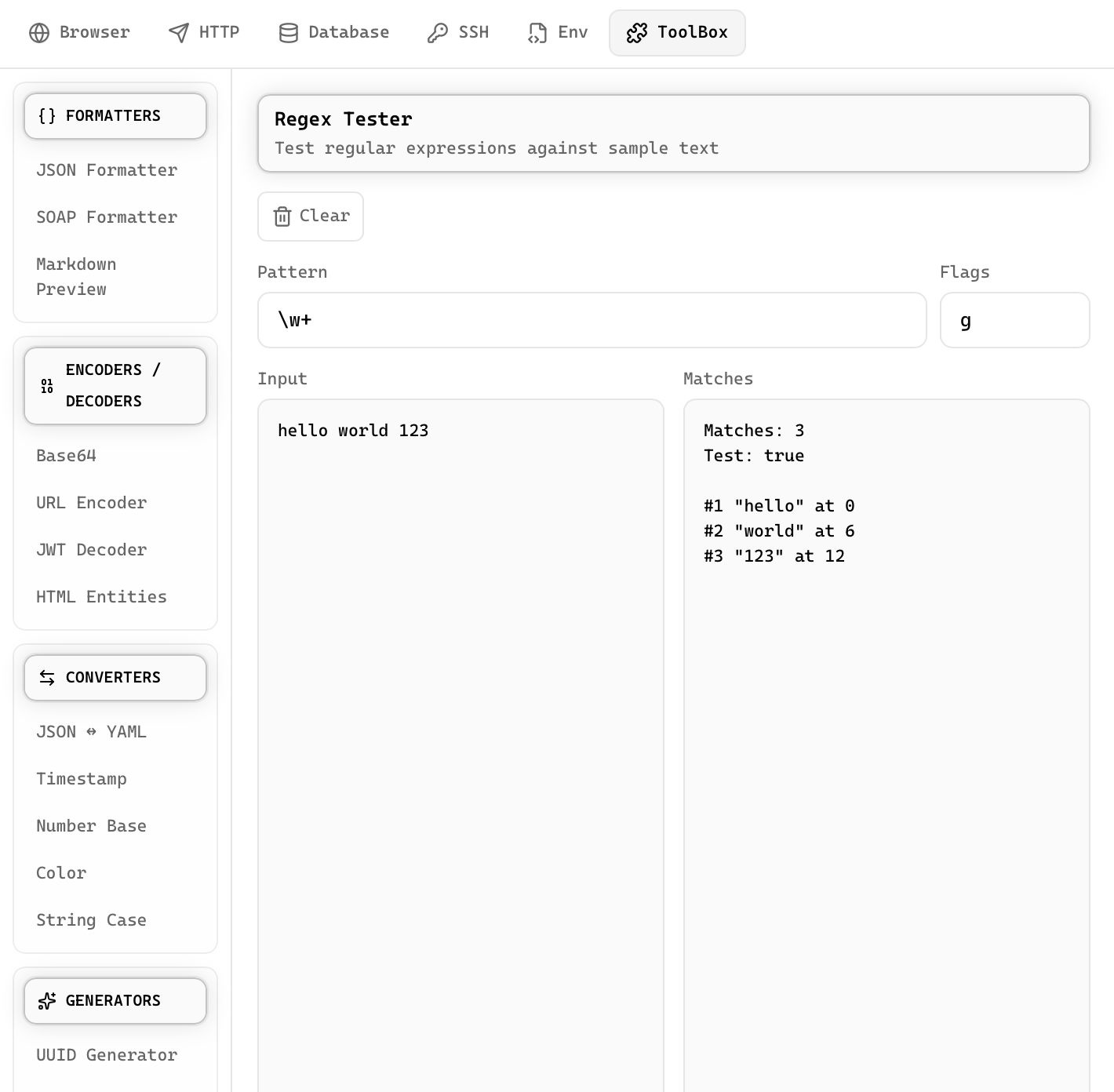
Write and test regular expressions with real-time matching and capture group highlighting.
Compare two text blocks side-by-side with line-by-line diff highlighting.
Encode and decode Base64 strings with support for text and file inputs.
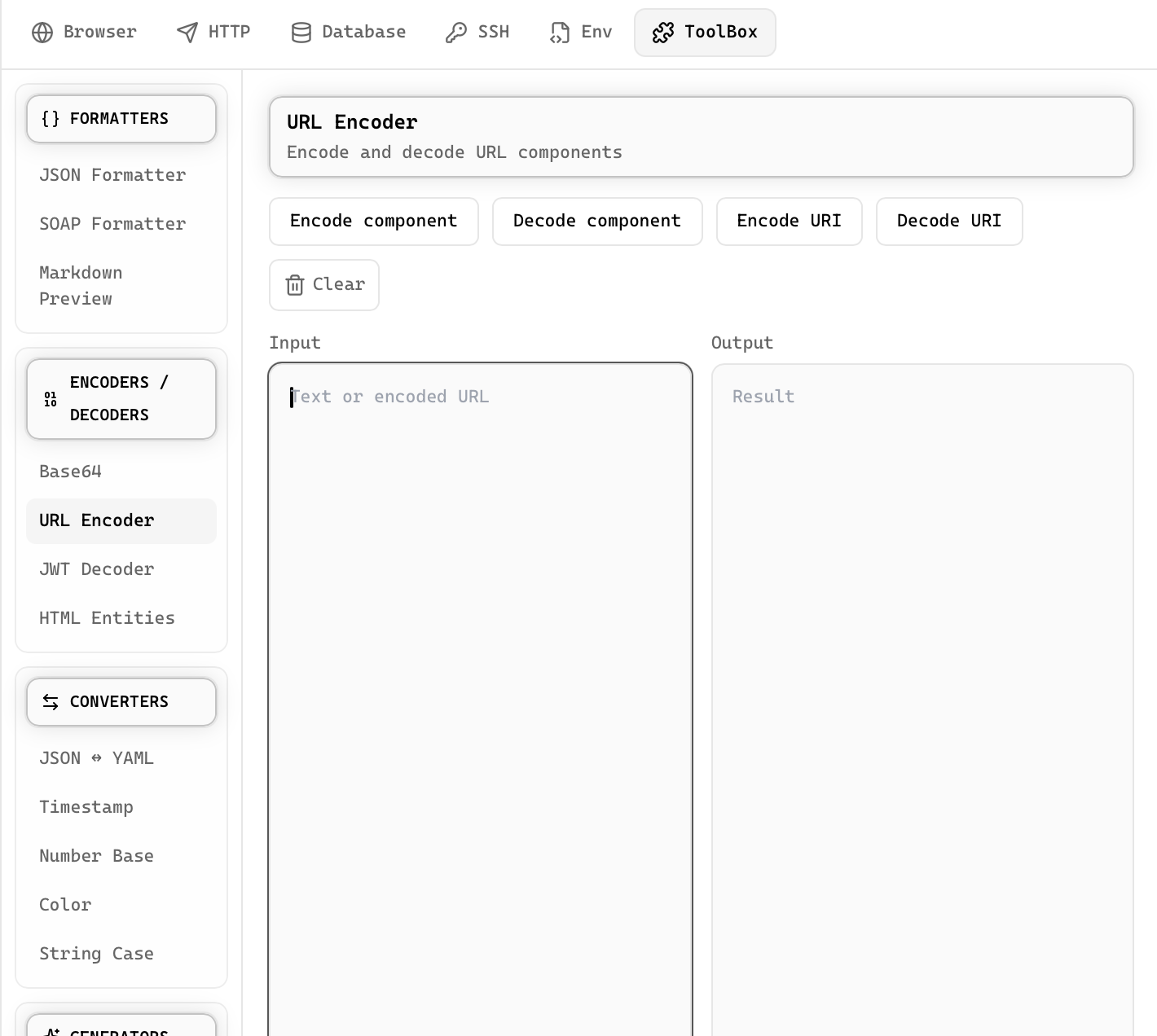
Encode and decode URL components with proper handling of special characters.
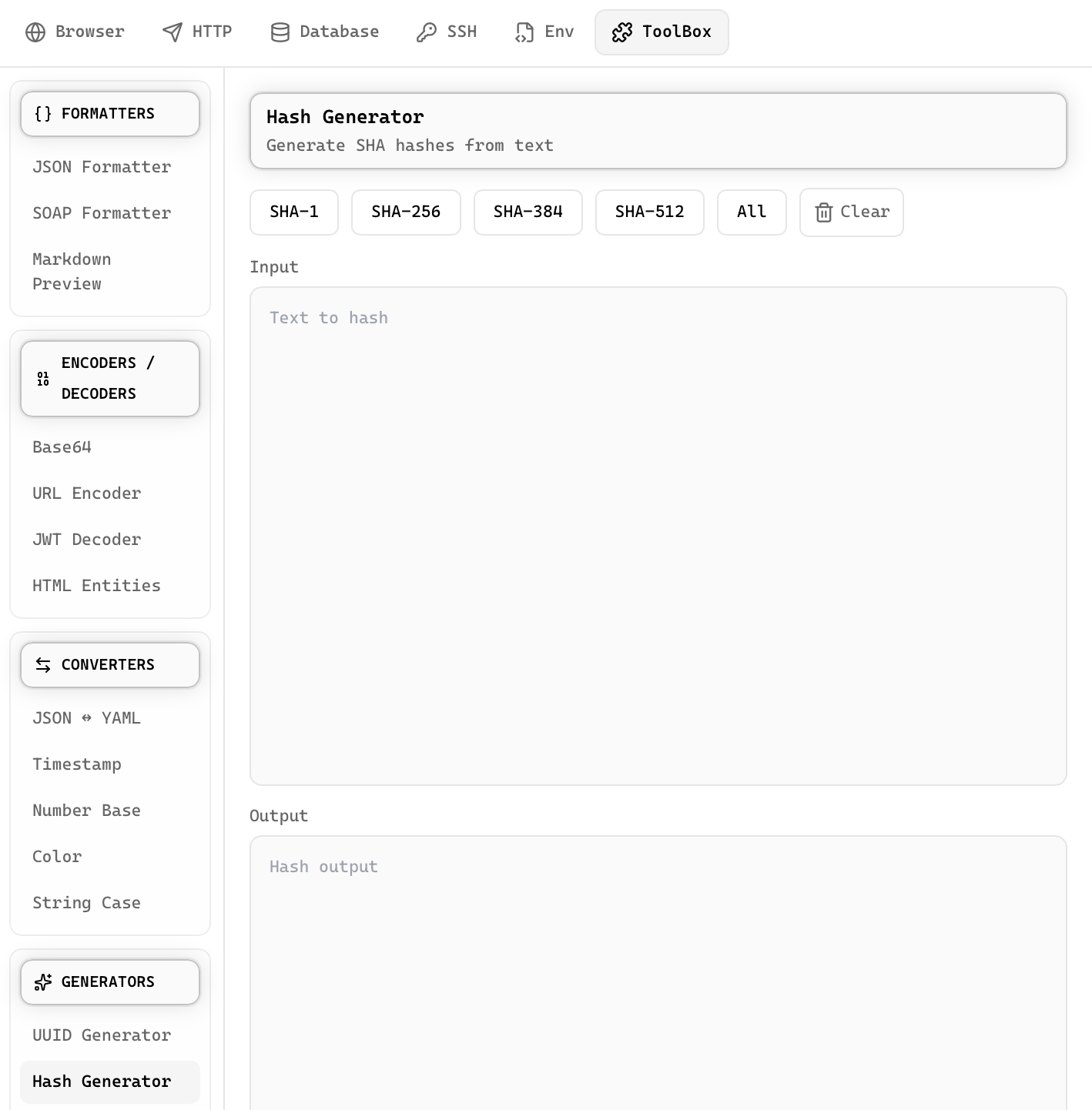
Generate MD5, SHA-1, SHA-256, and SHA-512 hashes for text or files.
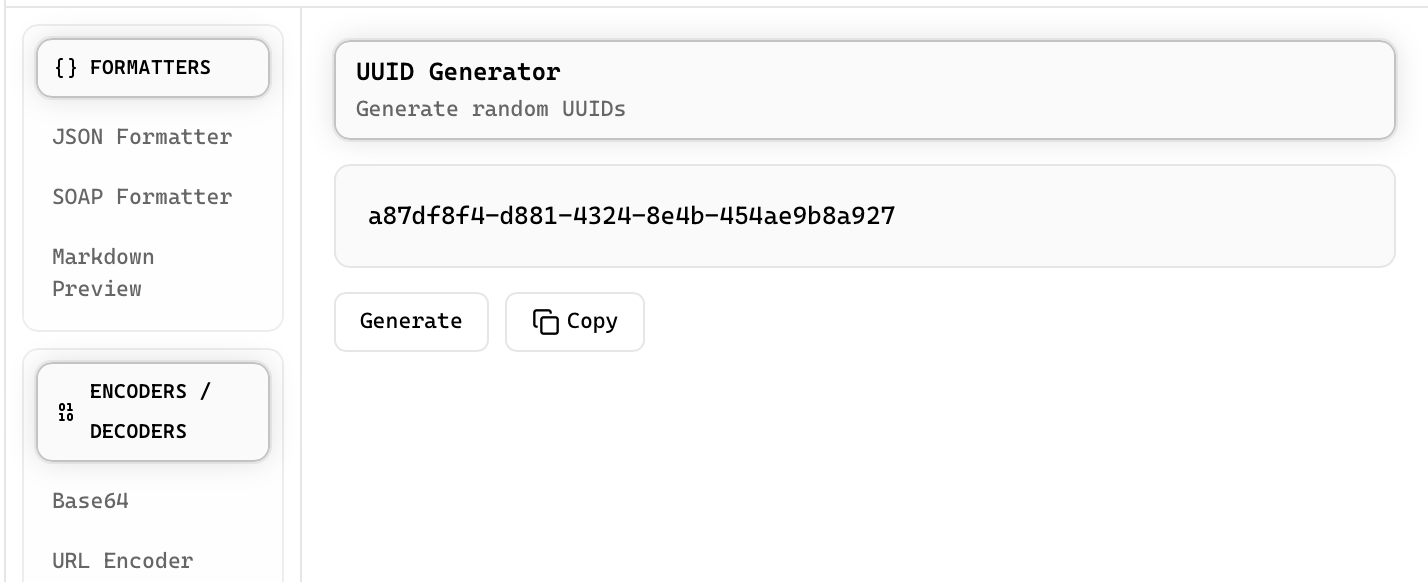
Generate UUID v4 values with one click, copy to clipboard, or generate in bulk.
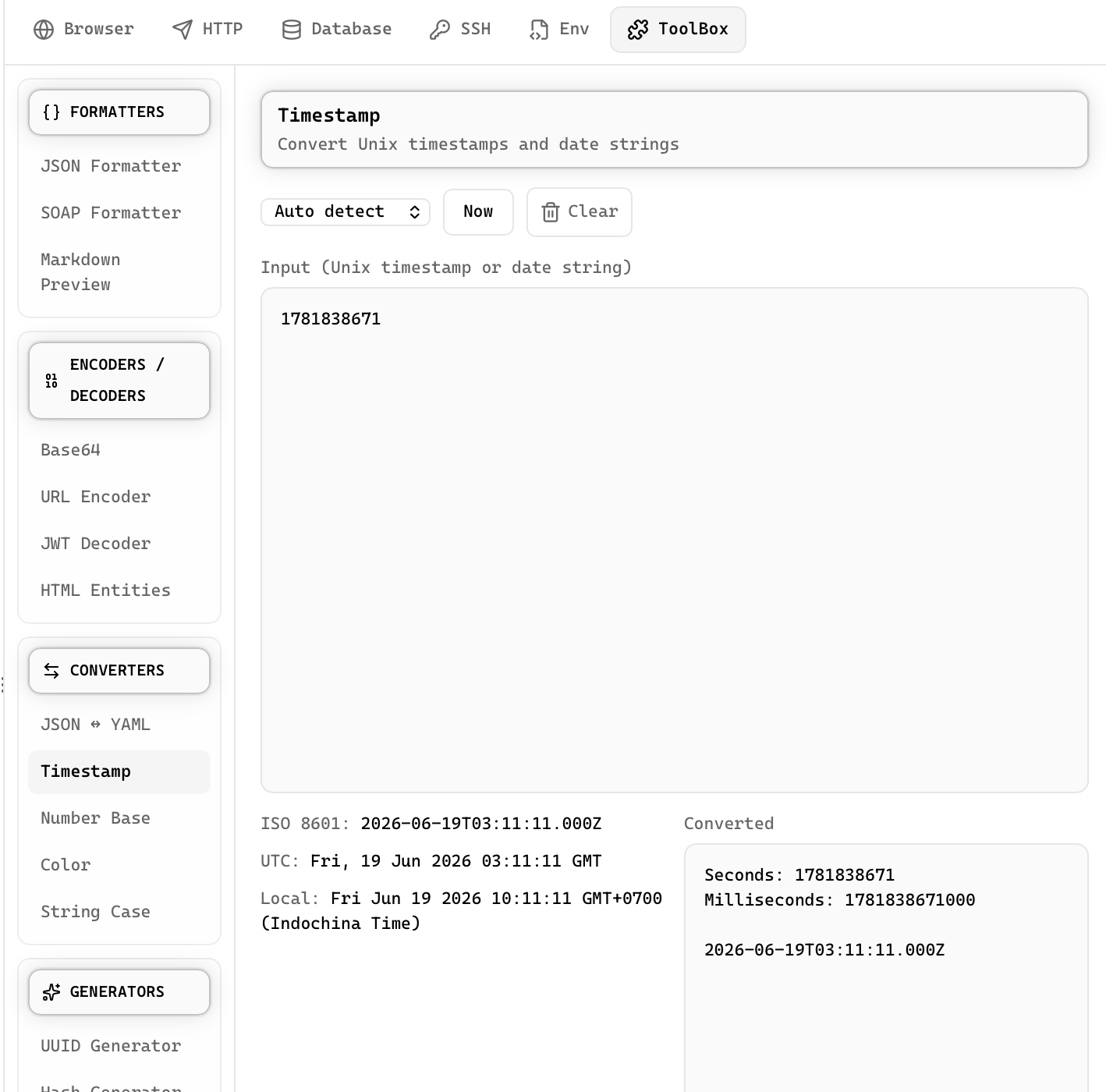
Convert between Unix timestamps, ISO 8601, and human-readable dates across time zones.
Convert between camelCase, snake_case, PascalCase, kebab-case, CONSTANT_CASE, and more.
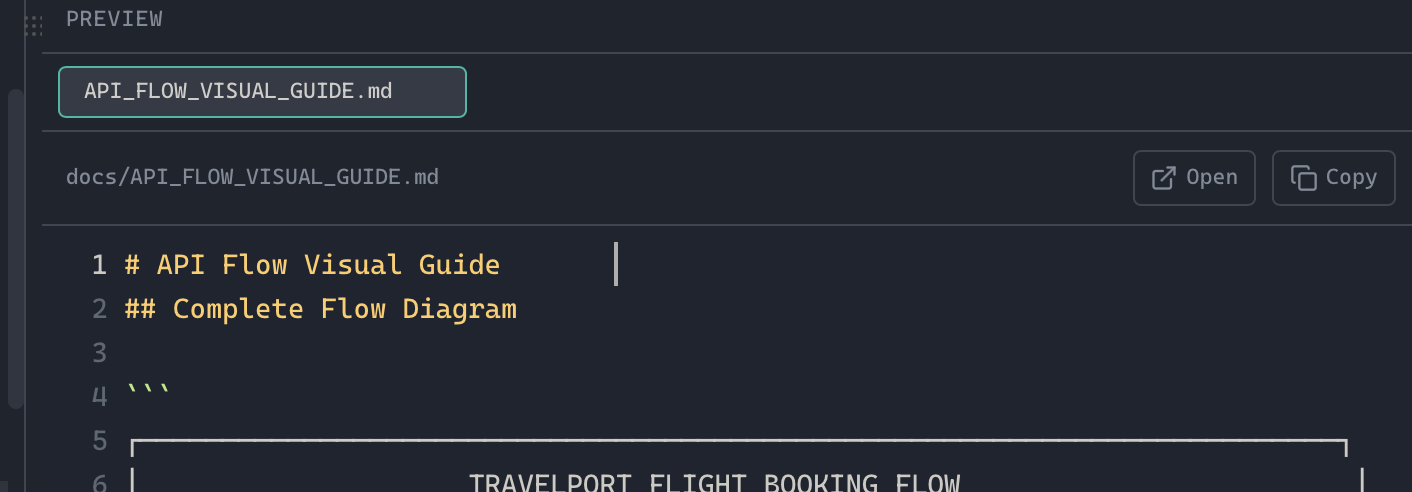
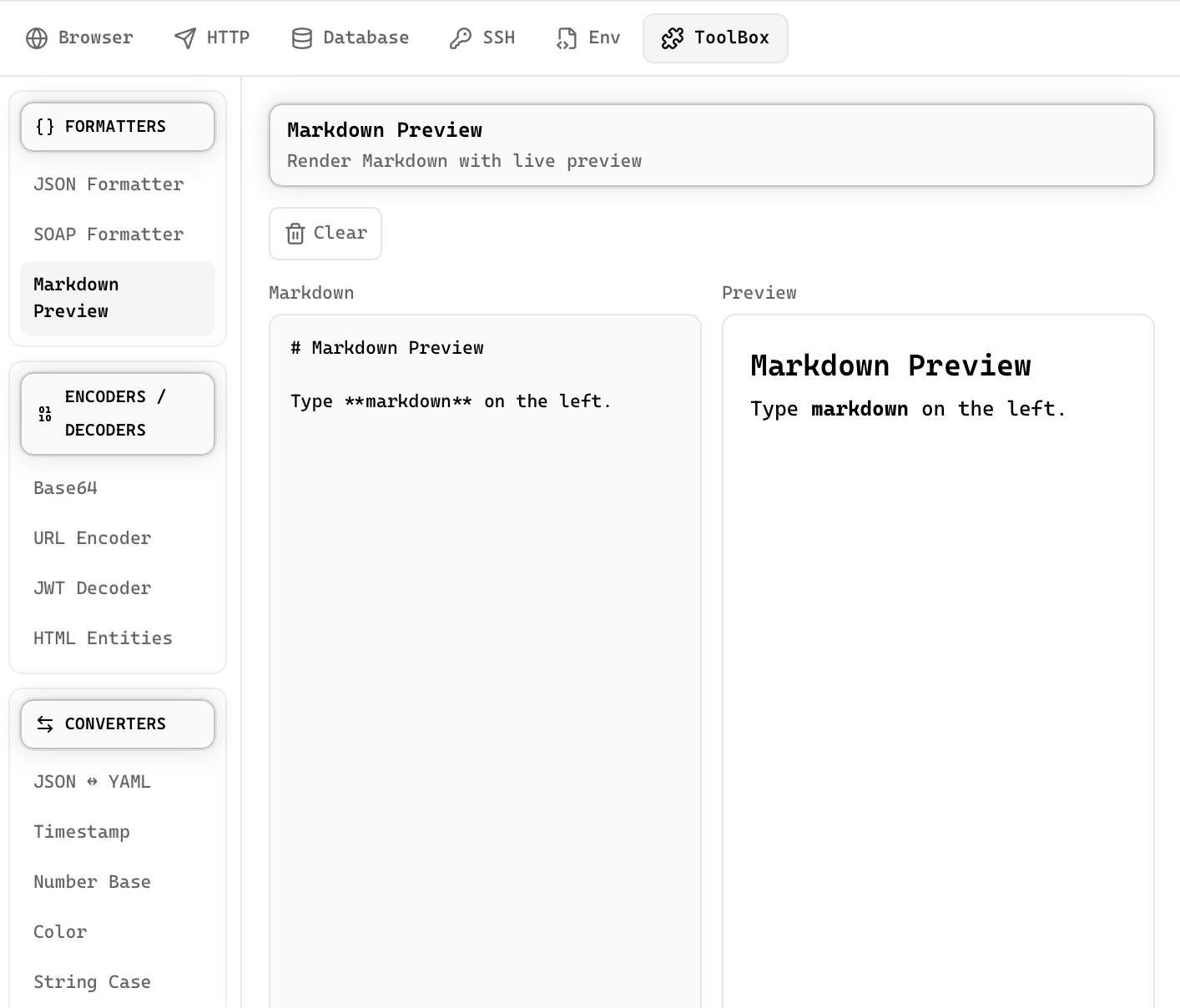
Write and preview Markdown with live rendering, syntax highlighting, and table support.
Open rendered Mermaid diagrams in a source-and-canvas lightbox editor with draggable nodes and styled edges.
Open HTML, PDFs, audio, and video files in the built-in browser or your system browser from the file explorer.
Render PDFs, videos, and audio files inline without switching to an external app.
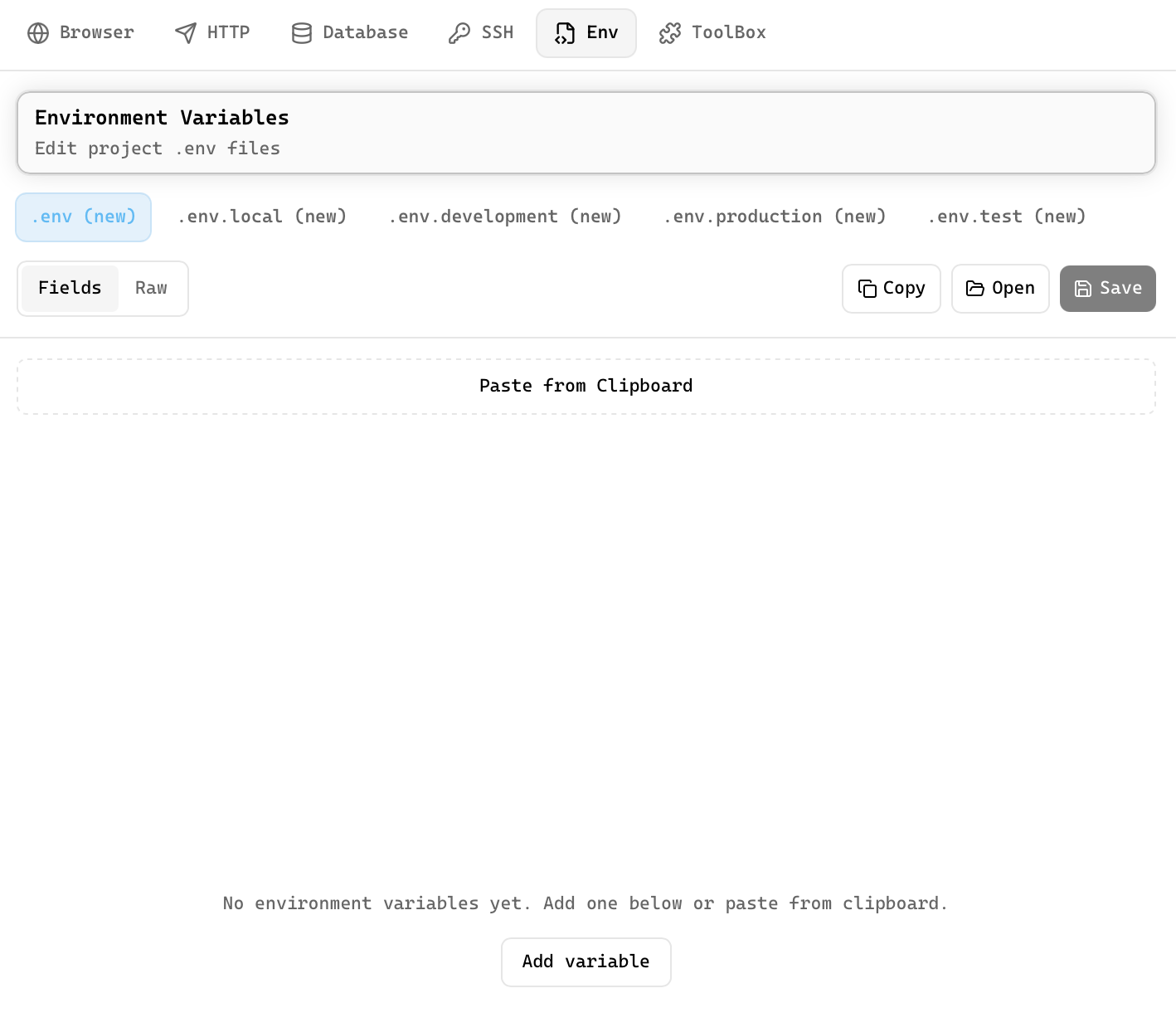
Structured env editor with key-value pairs, secret masking, and multi-file support.
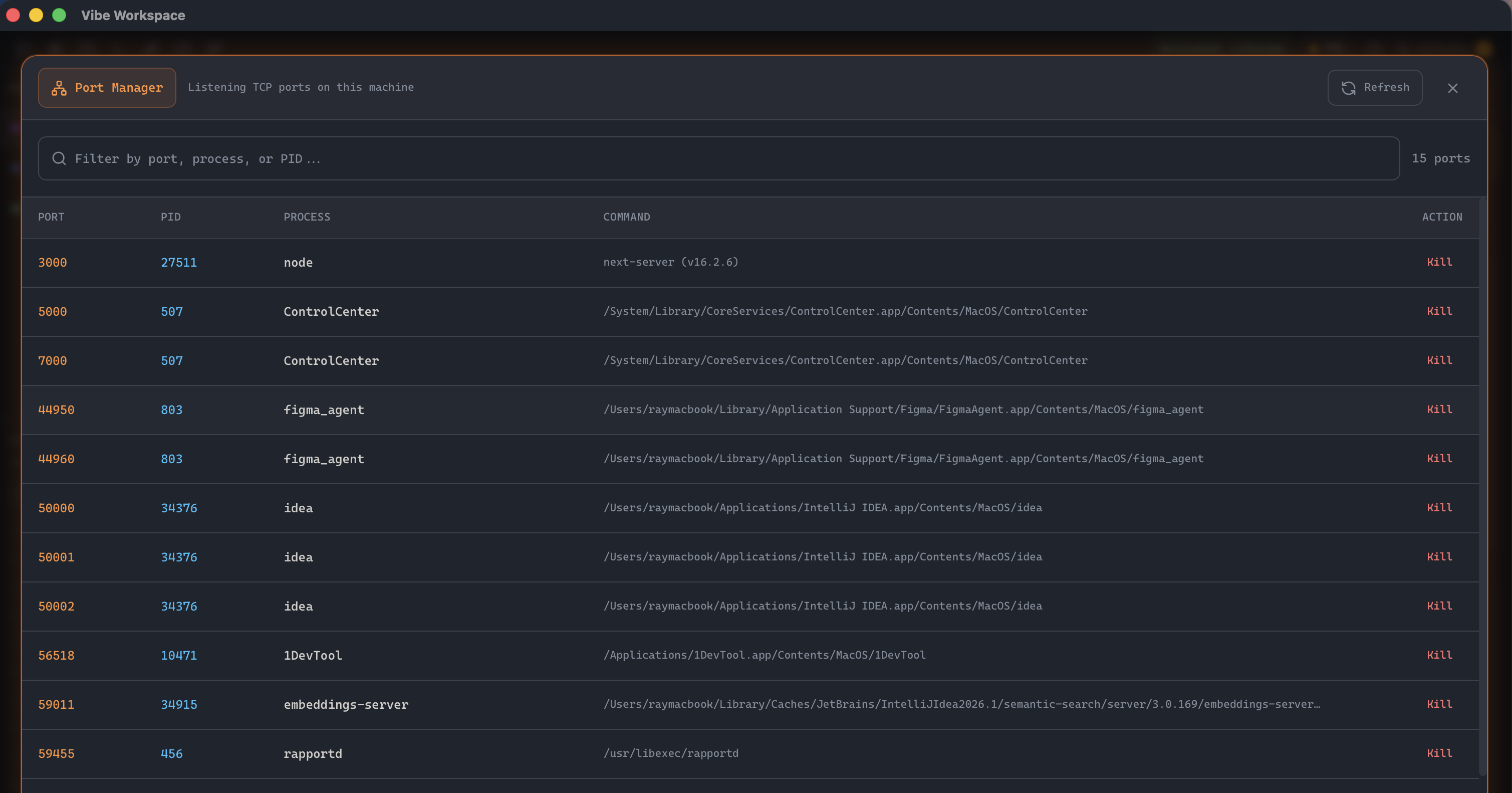
View active ports and processes with filtering, then kill processes directly from the interface.
Expand any PID to see user, CPU, memory, start time, state, working directory, and command line.
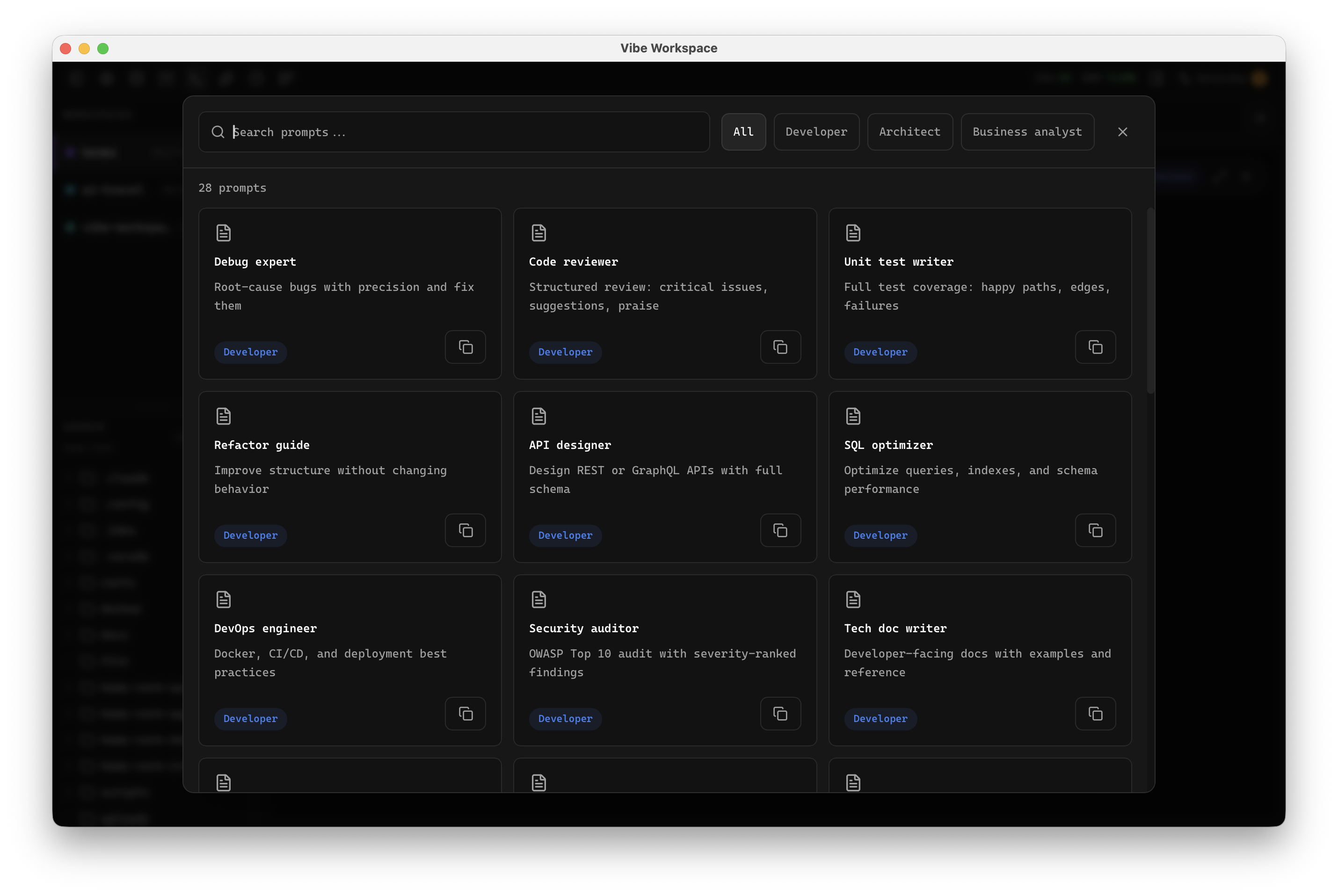
Search, organize, and reuse custom AI prompts and templates across agents, sessions, and projects.
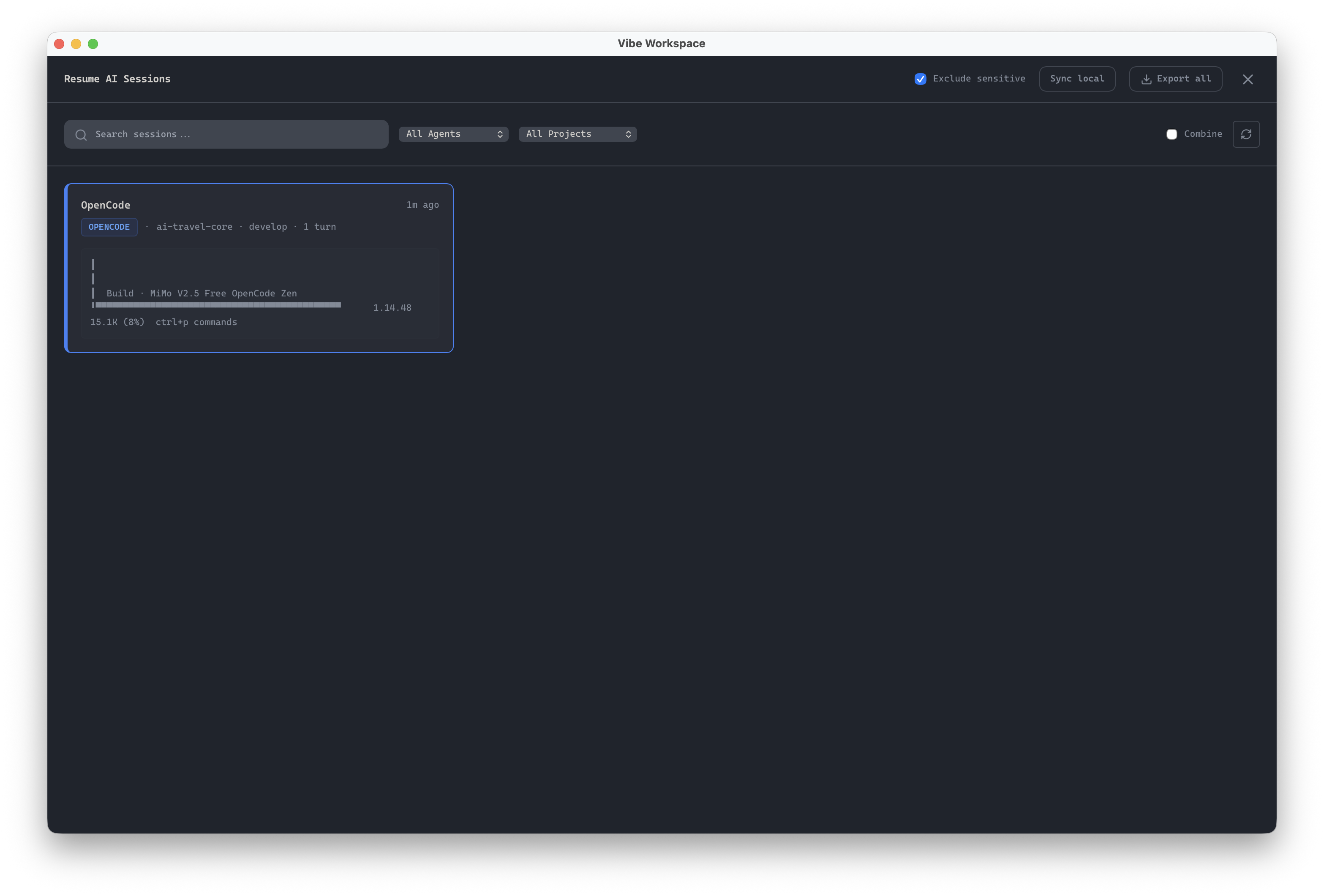
Browse, search, and resume past AI sessions from Claude Code, Codex, and Gemini CLI.
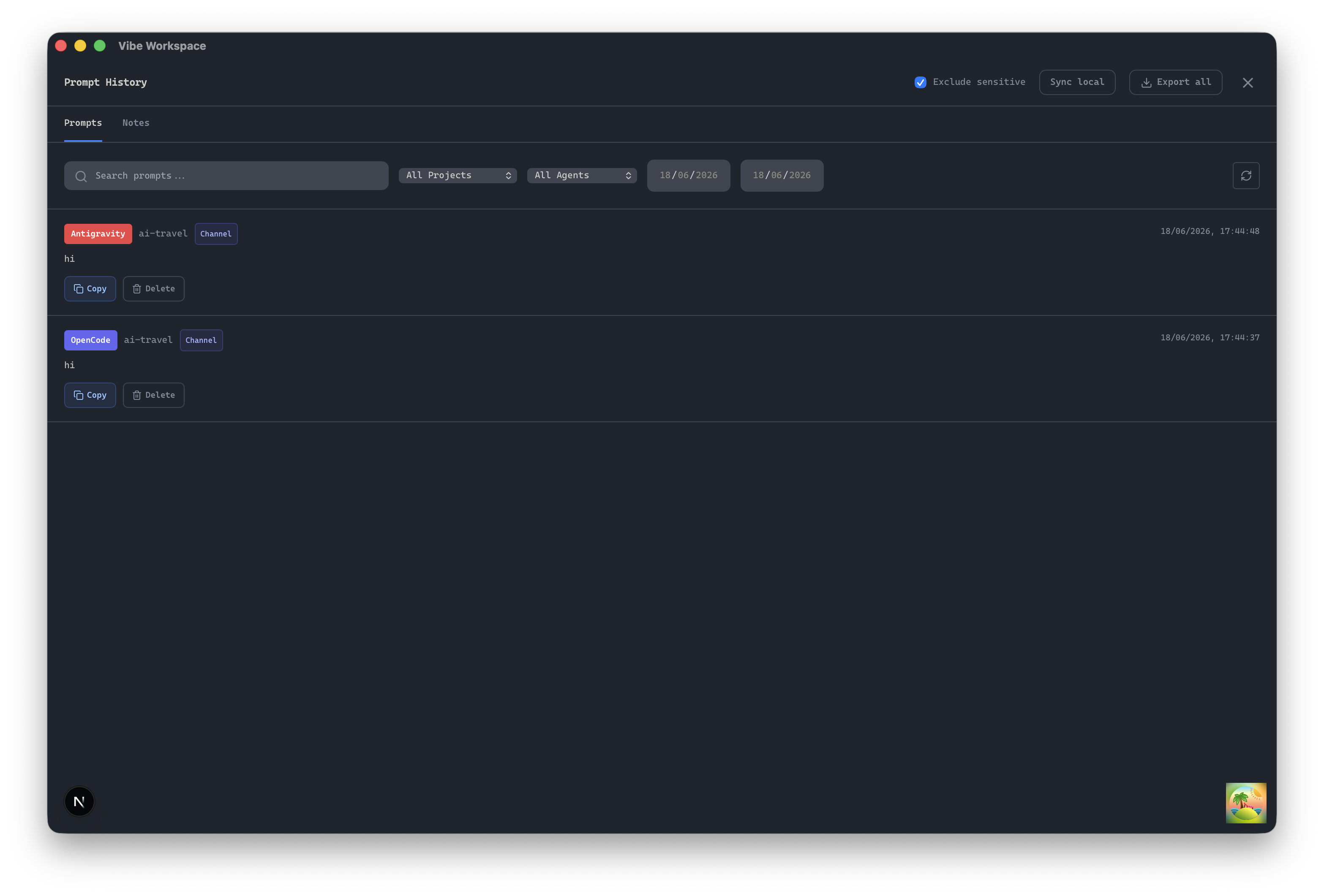
Access a detailed history of your past prompts and messages sent to AI agents to quickly reuse or reference them.
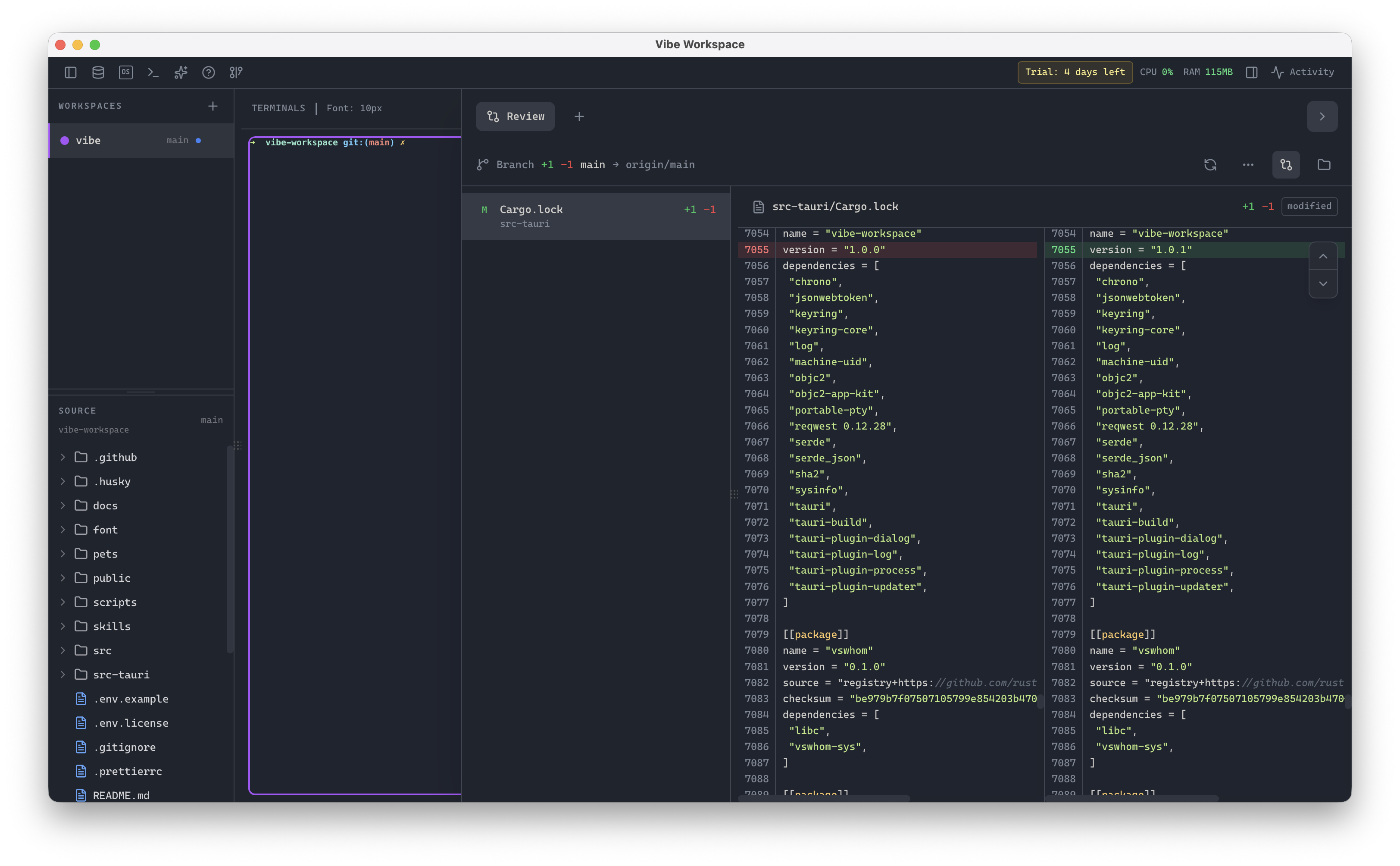
Track every file modification any AI agent makes and review, accept, or revert work per file.
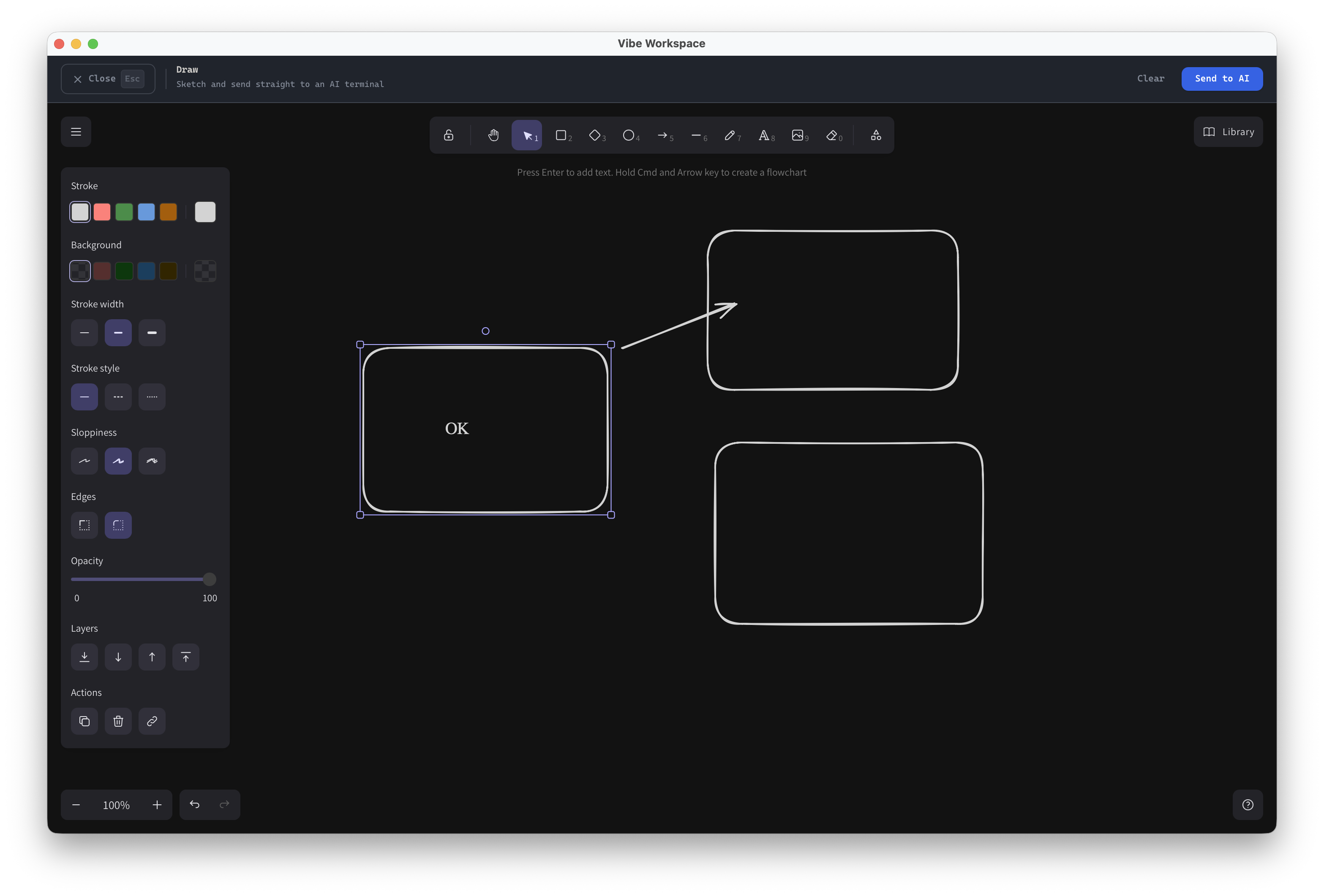
Sketch diagrams, flowcharts, or wireframes using a built-in Excalidraw canvas and send your drawing directly to the AI agent chat.
Save multiple OAuth logins per AI agent and switch between them with OS-keychain encryption.
See tokens spent and estimated cost per AI agent and model from local session files.
Delegate tasks to another installed agent by typing an agent mention inside any AI terminal.
Reflow markdown, detect fenced code blocks, and format embedded JSON, XML, or HTML inside prompts.
Choose dark, light, or system-following themes designed for comfortable all-day coding.
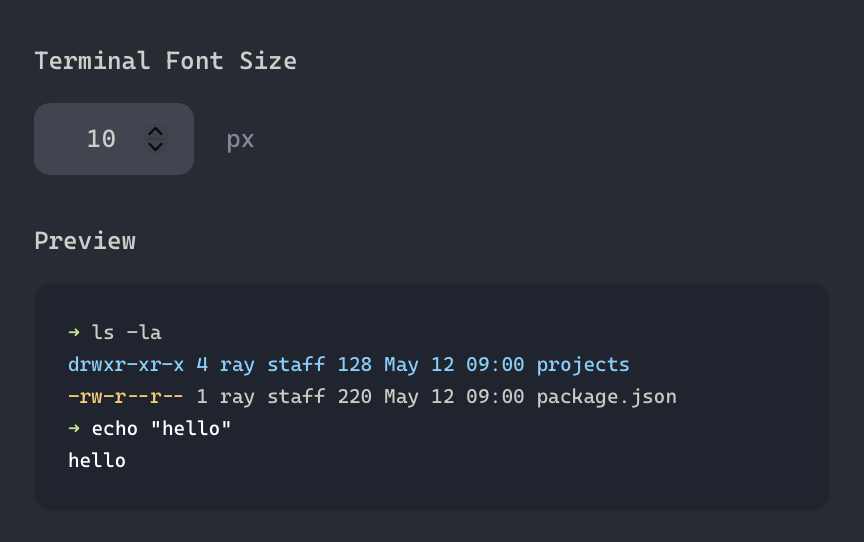
Choose JetBrains Mono, Fira Code, Cascadia Code, or custom fonts with adjustable size and line height.
Inspect, edit, and search the PATH used by terminals, Docker, Git, and SSH processes.
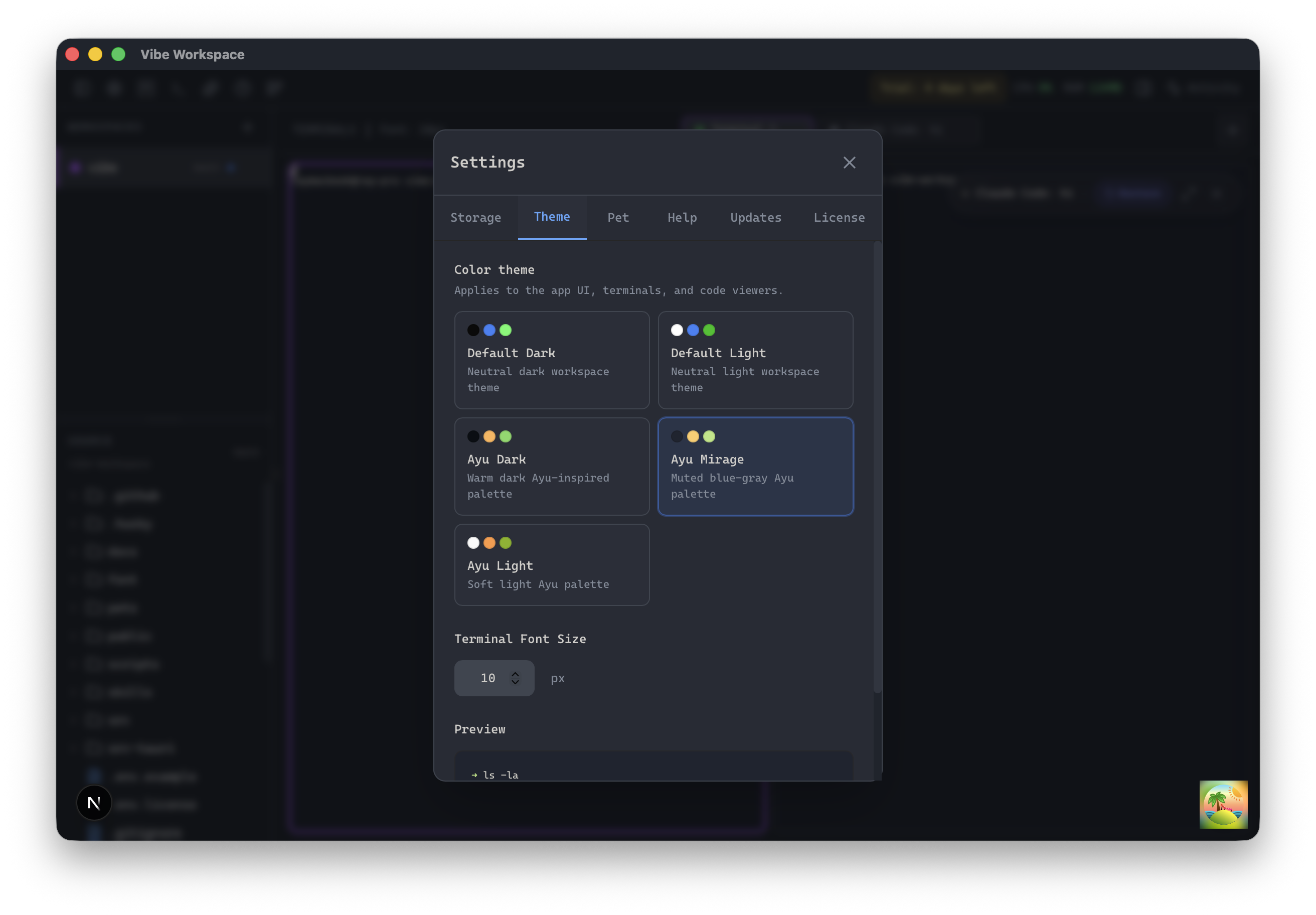
Use beautiful Ayu dark, light, and mirage theme presets for comfortable development.
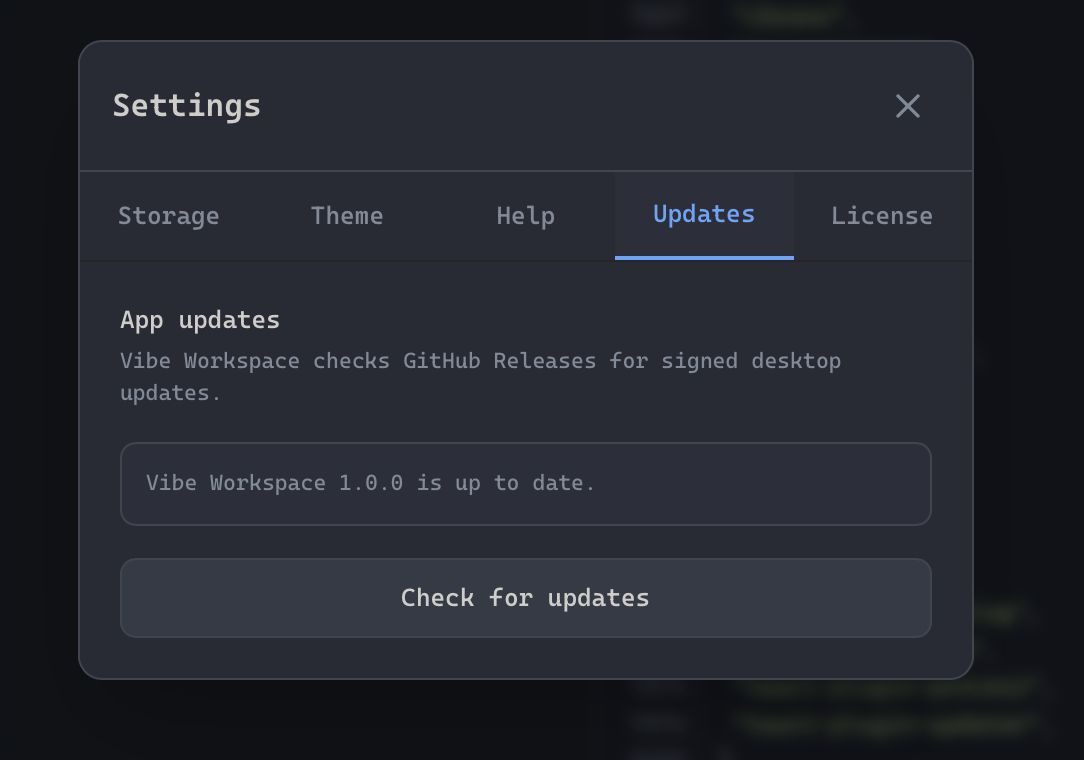
Stay up-to-date automatically with background checks and one-click installation of workspace upgrades.